
DataTalk Panel HMI
designed for operators. built for industrial reality.
all in one
Built for any Challenge
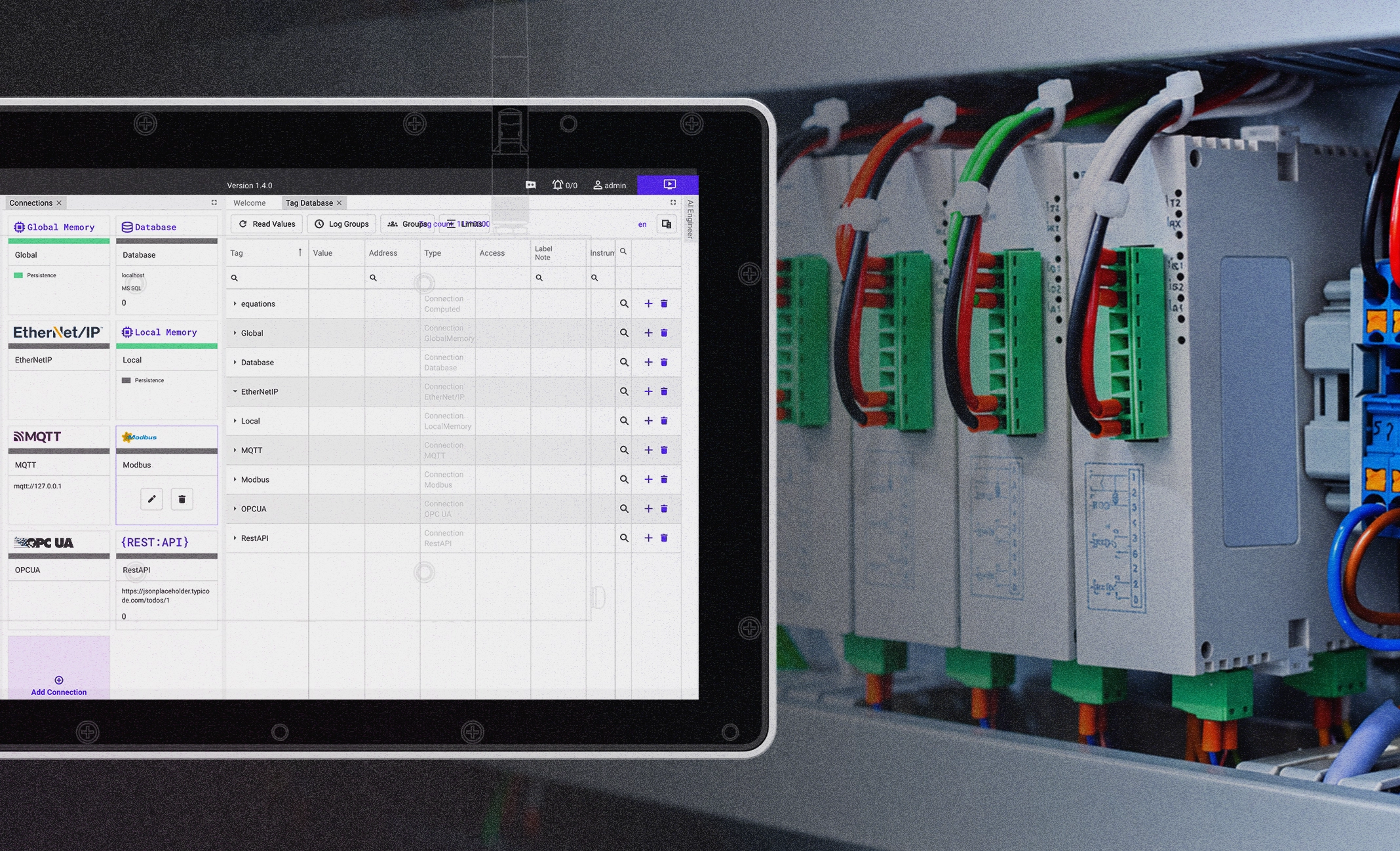
Universal by Design
Connect directly to machines, PLCs and production systems across different manufacturers and protocols—ready to work wherever you need it.
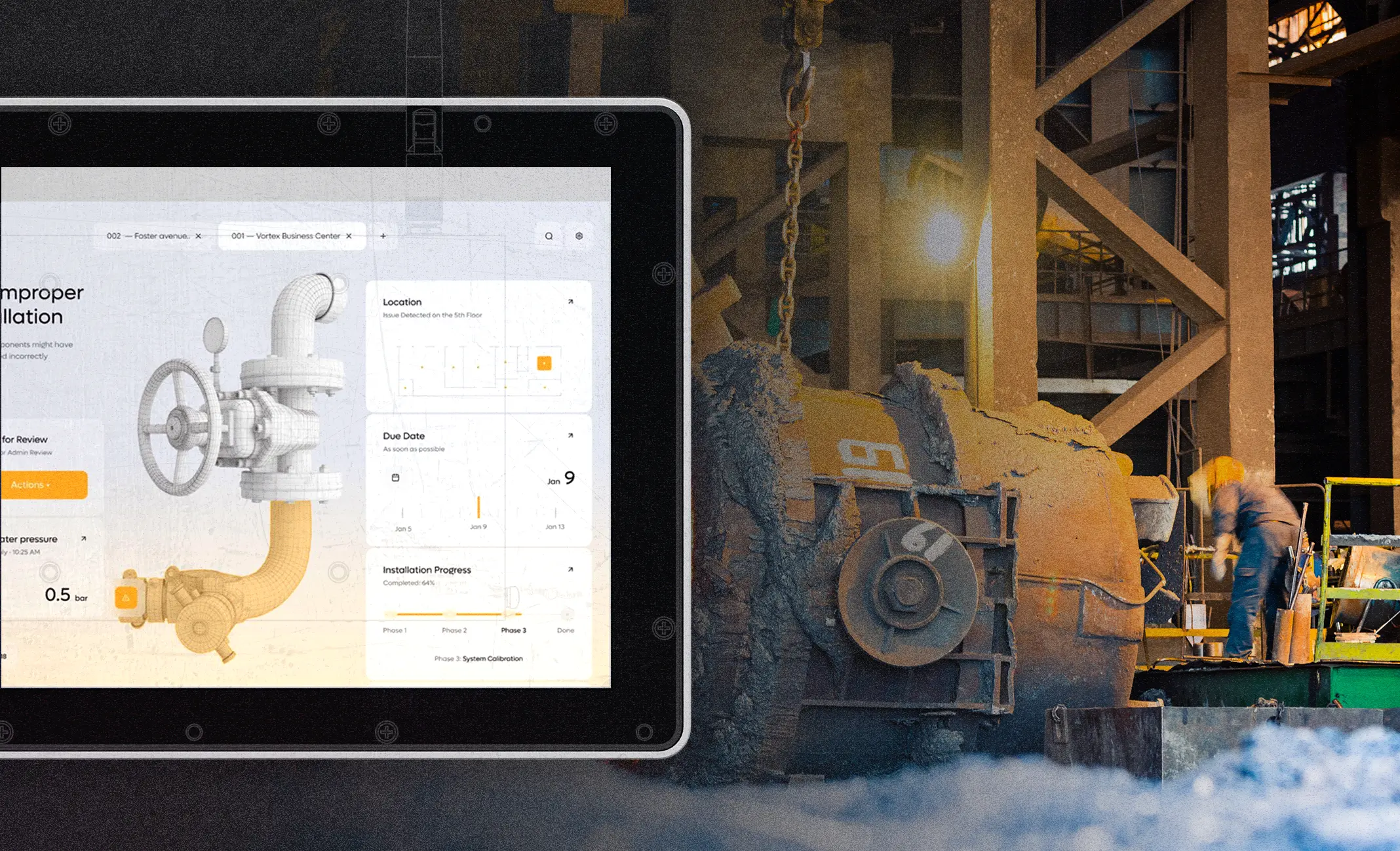
Ready for Tough Conditions
Designed to perform reliably in harsh industrial conditions, with integrated protection against power failures.
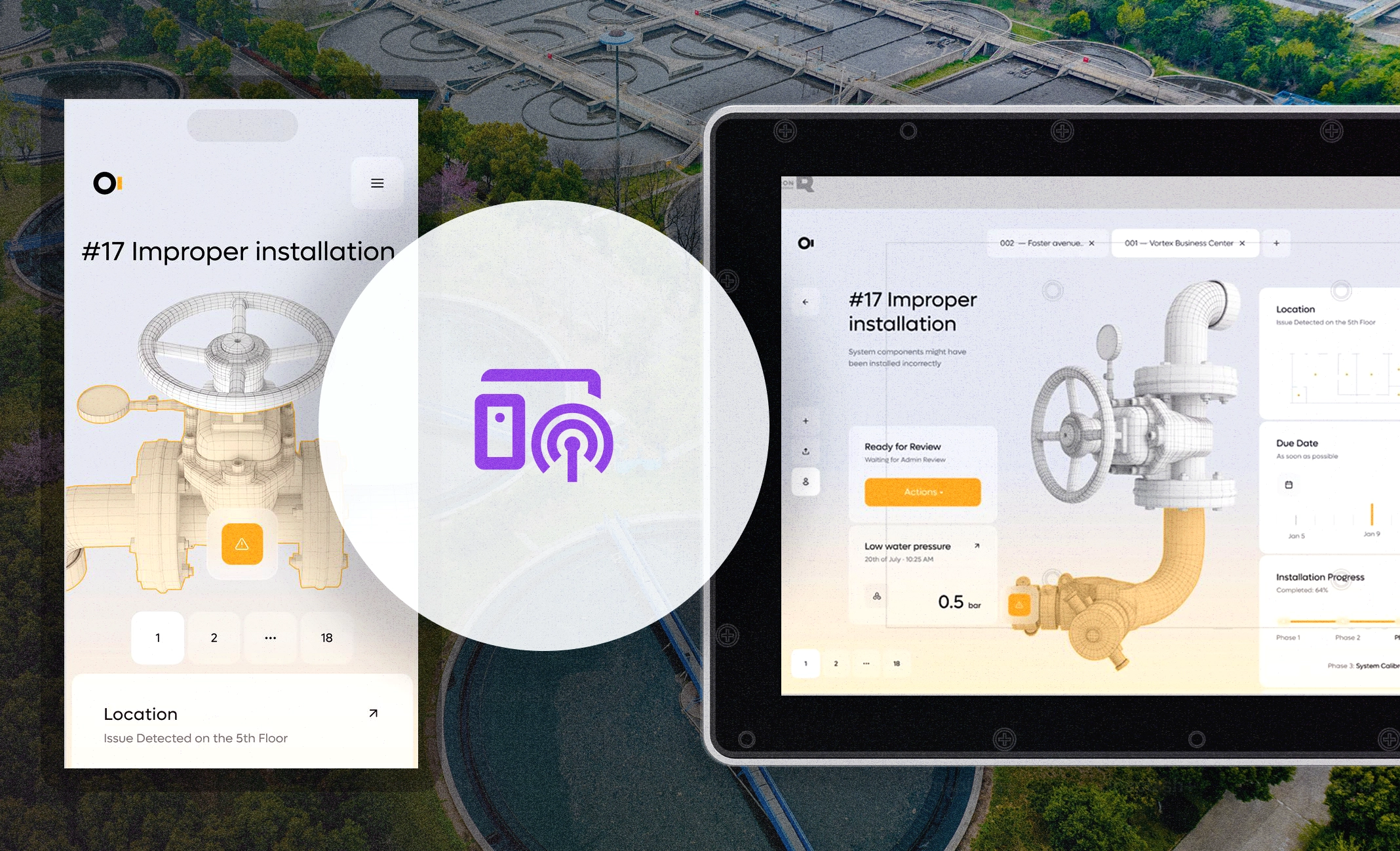
Remote Accessibility
Securely access your panel from anywhere, see what’s happening in real time and solve issues remotely before sending someone on-site.
key advantages
Power and Reliability

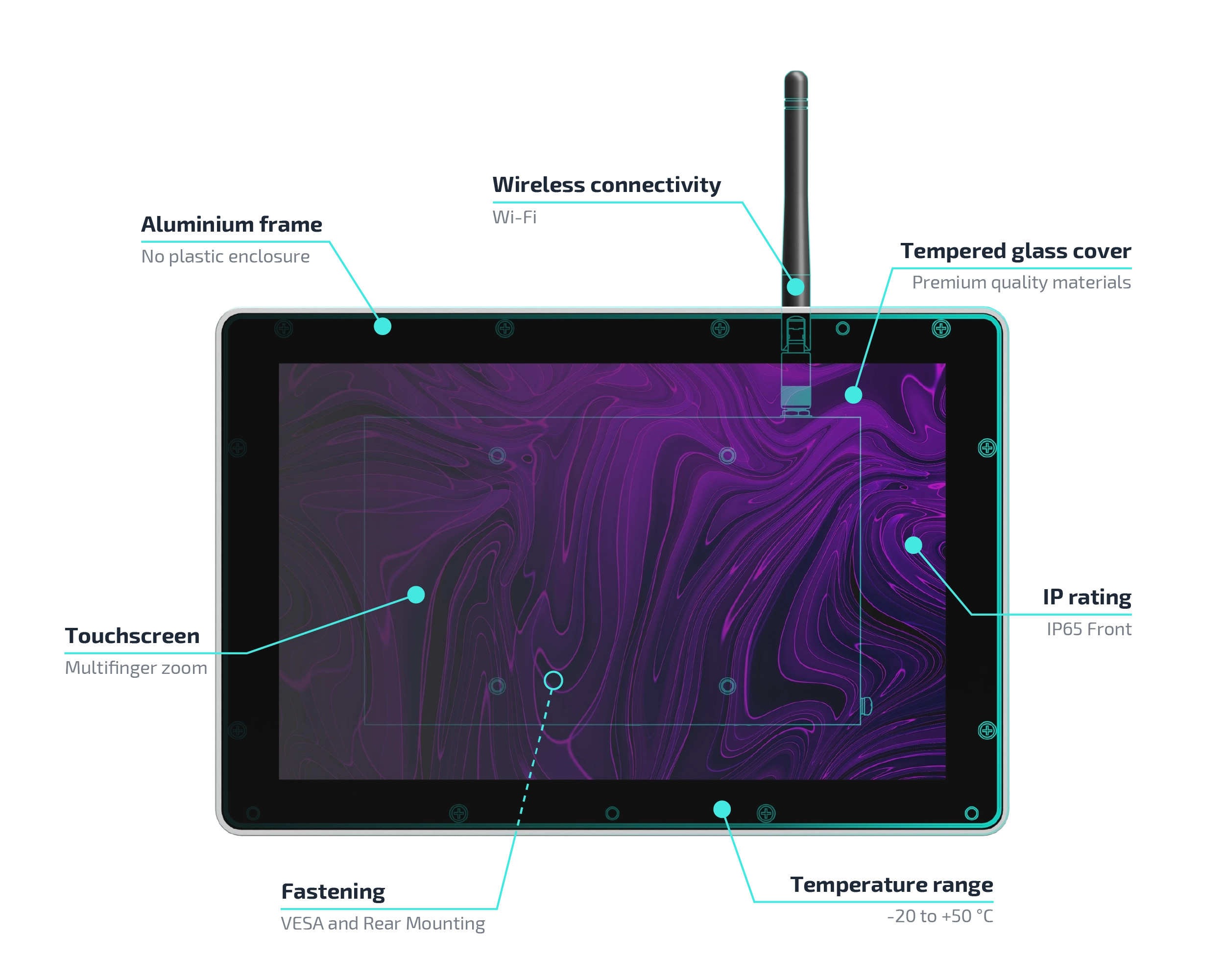
Quad-core ARM v8 (2.4 GHz) 4 GB SDRAM, 32 GB eMMC

2.4GHz & 5GHz
dual-band Wi-Fi

1024×600 (7″) up to 1920×1080 (21″)

Power Failure Protection (Supercapacitor)

Temperature range of -20 °C to +60 °C
Industrial Touch Panel
DataTalk Panel is an industrial operator panel combining a rugged touchscreen with an embedded web configuration and secure web browser.
DATATALK MANAGER
Web Based Configuration
Easily access and manage device settings through your browser with a secure, user-friendly interface – no additional software required.
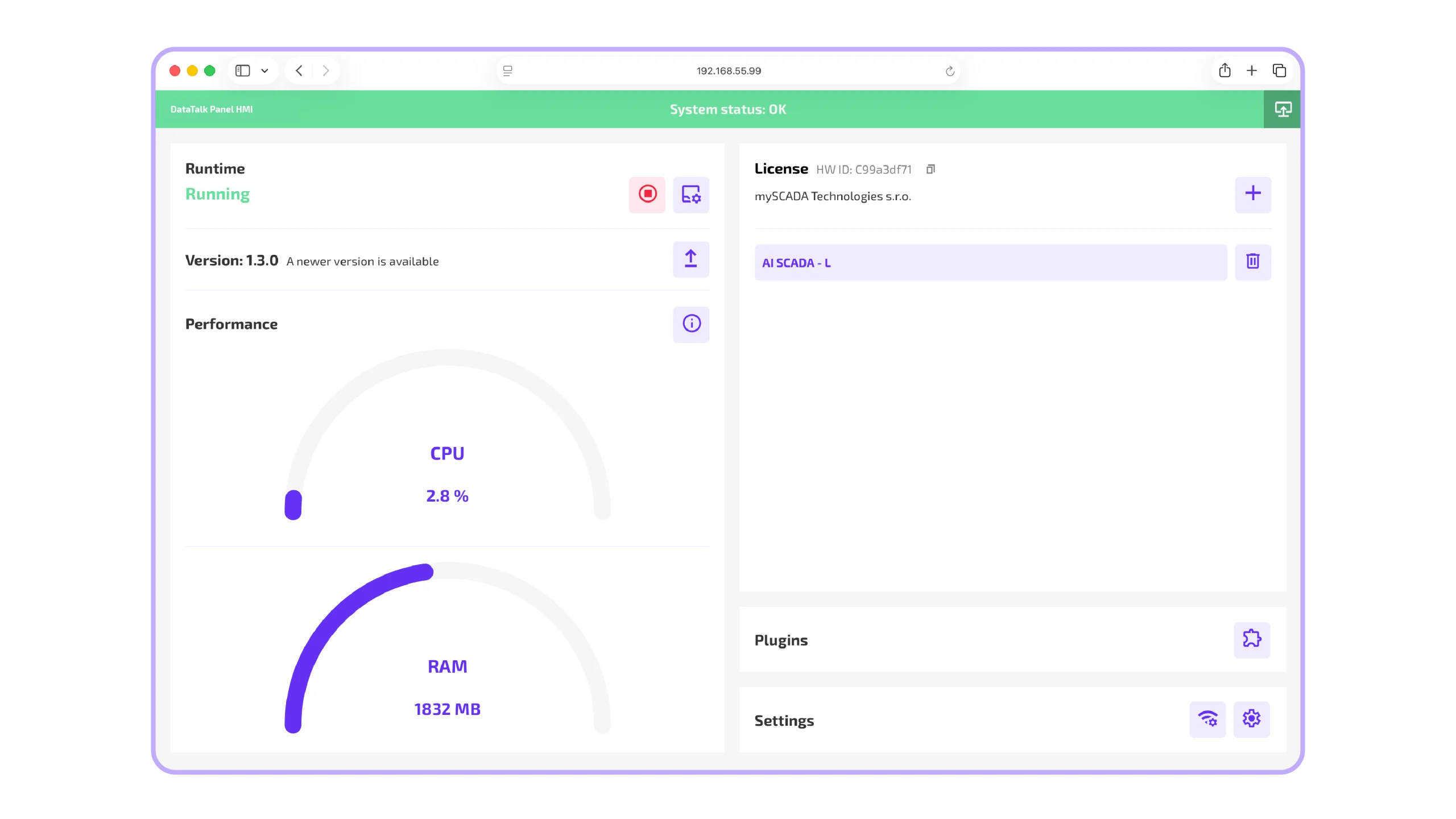
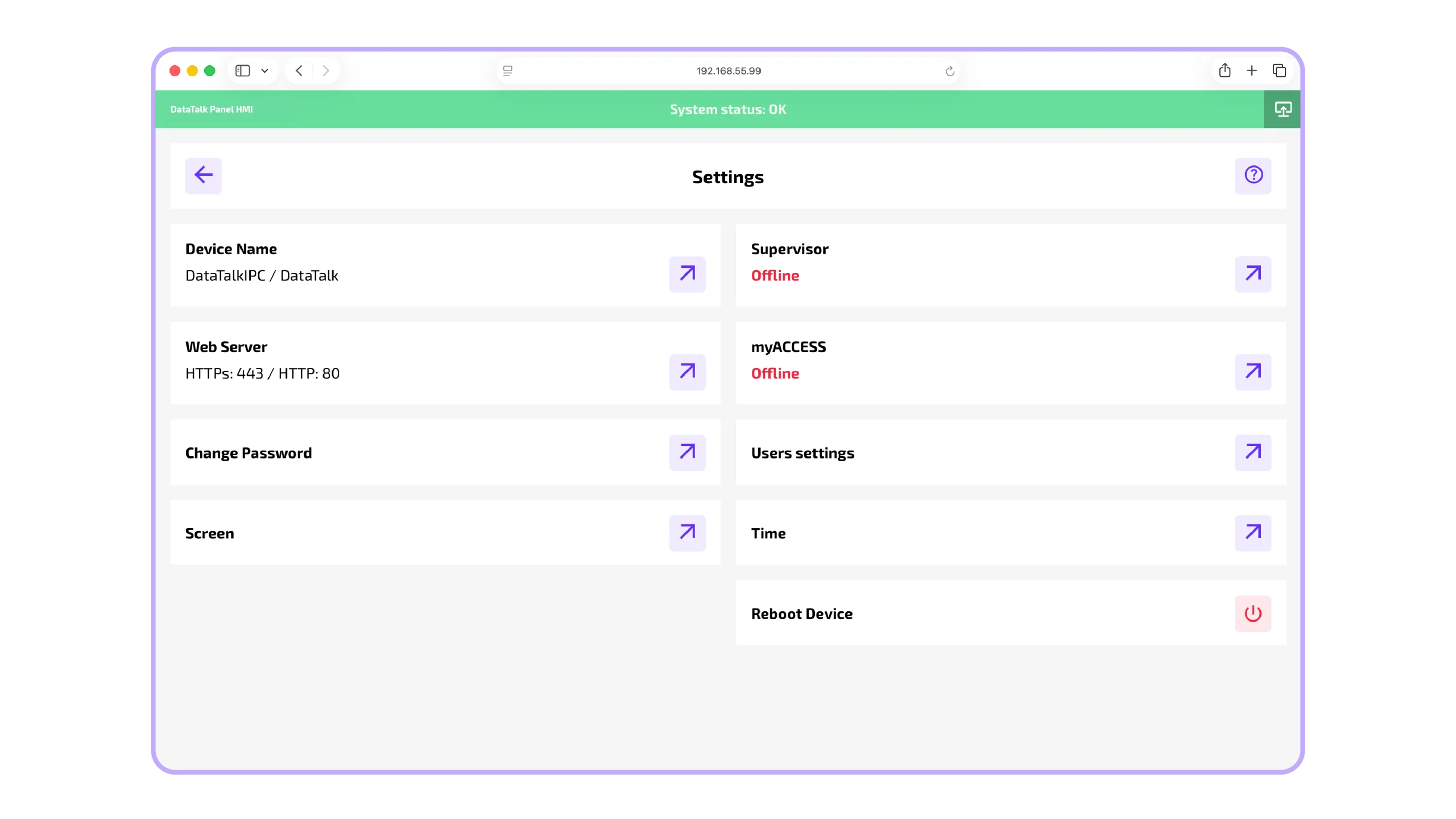
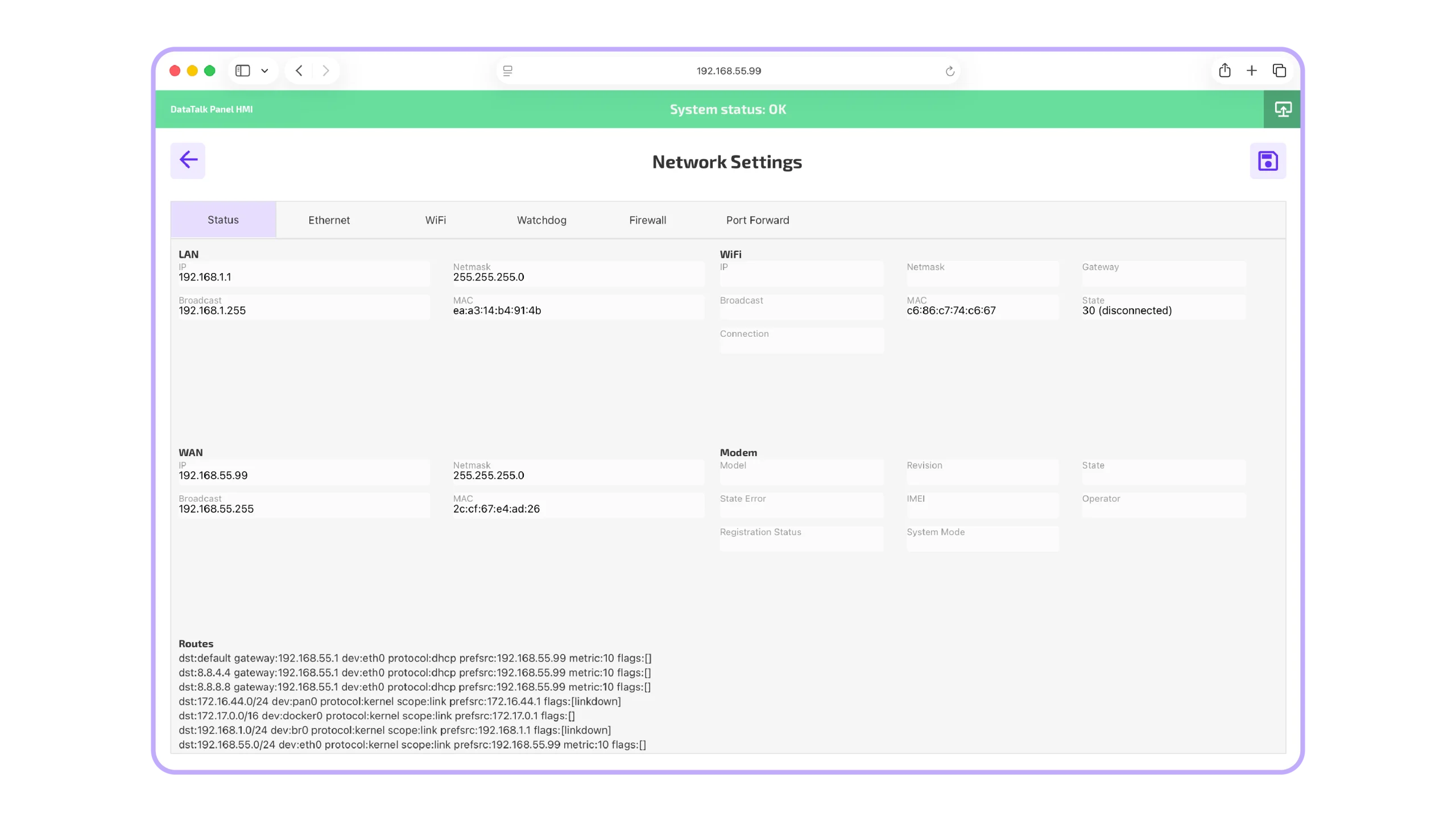
Why to choose panel from DataTalk, what are the key benefits?
CRA-ready OS
Automatic security updates and EU CRA compliance framework
Secure web Browser
Dedicated, hardened environment for your HMI applications
Full Lifecycle Management
OS, browser and applications kept up to date
Secure Remote Access
VPN access via myACCESS for remote service and diagnostics
Powerful Hardware
High-performance CPU & graphics for demanding HMIs, video and dashboards
Highly customizable
Adapt the panel to your machine, application and operator needs
Industrial Ready
Designed for reliable 24/7 machine and plant-floor operation
One integrated Solution
Hardware, OS, HMI and security working together
WEB hmi Extension
Turn PANEL into Complete HMI
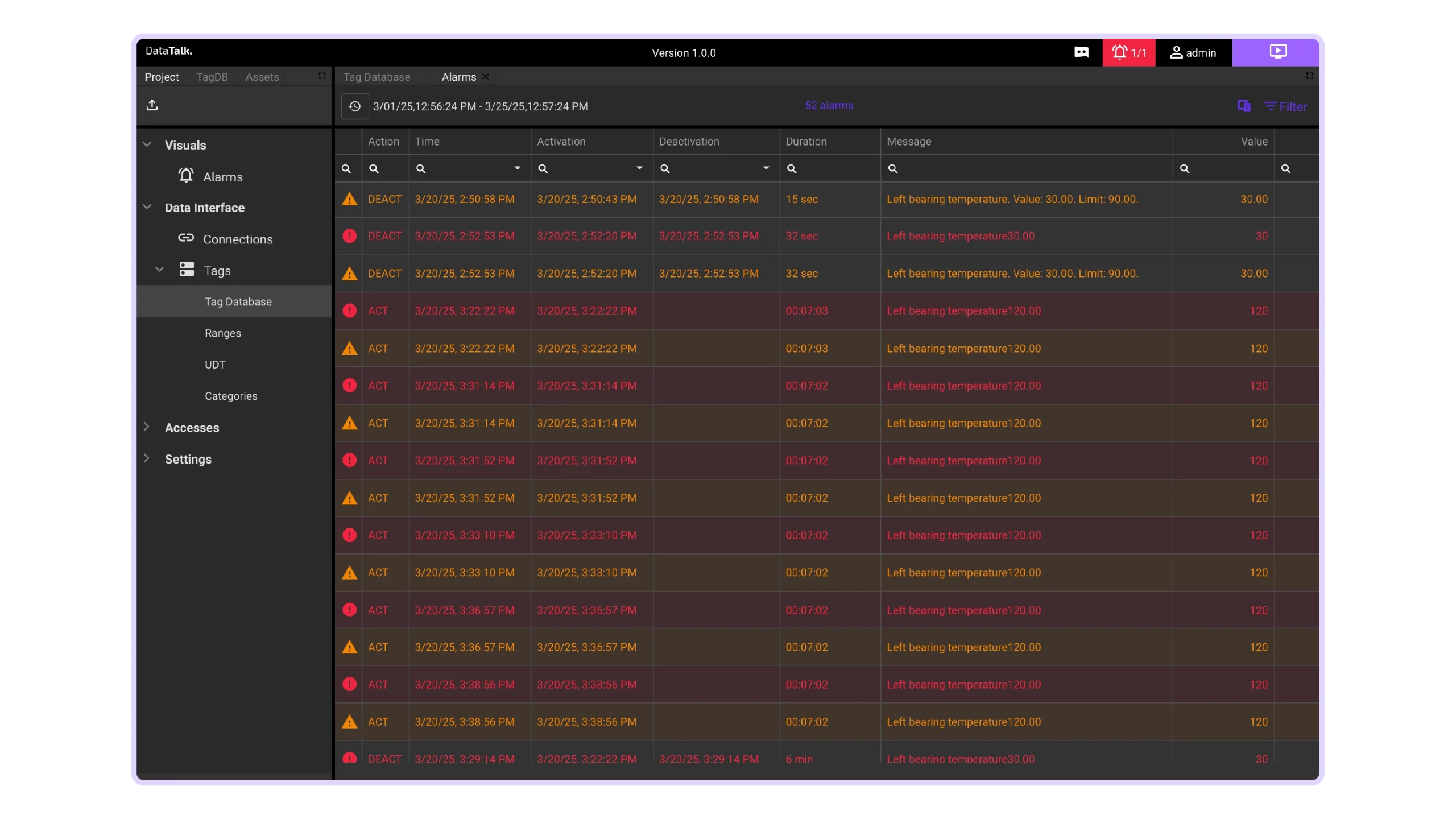
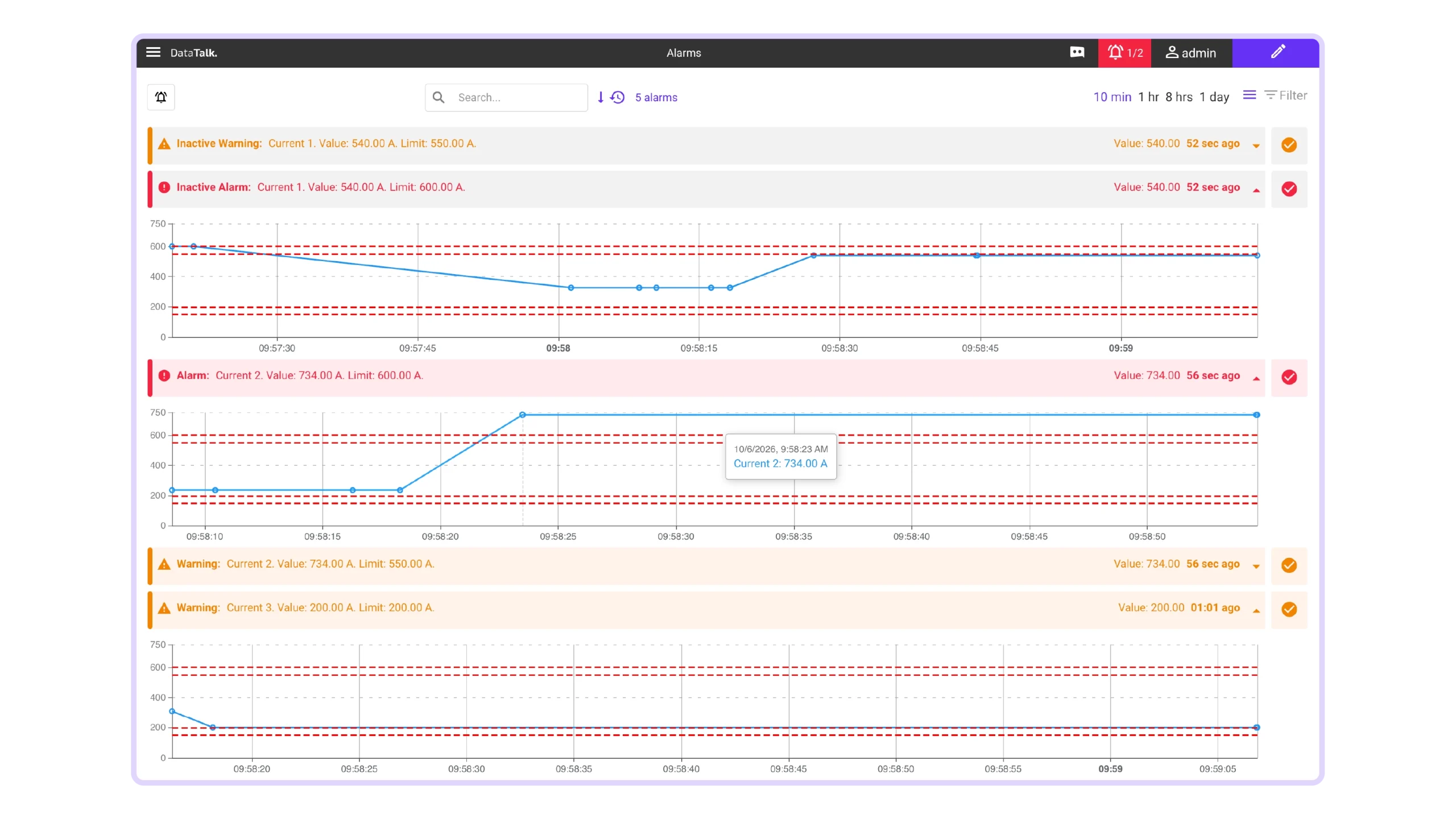
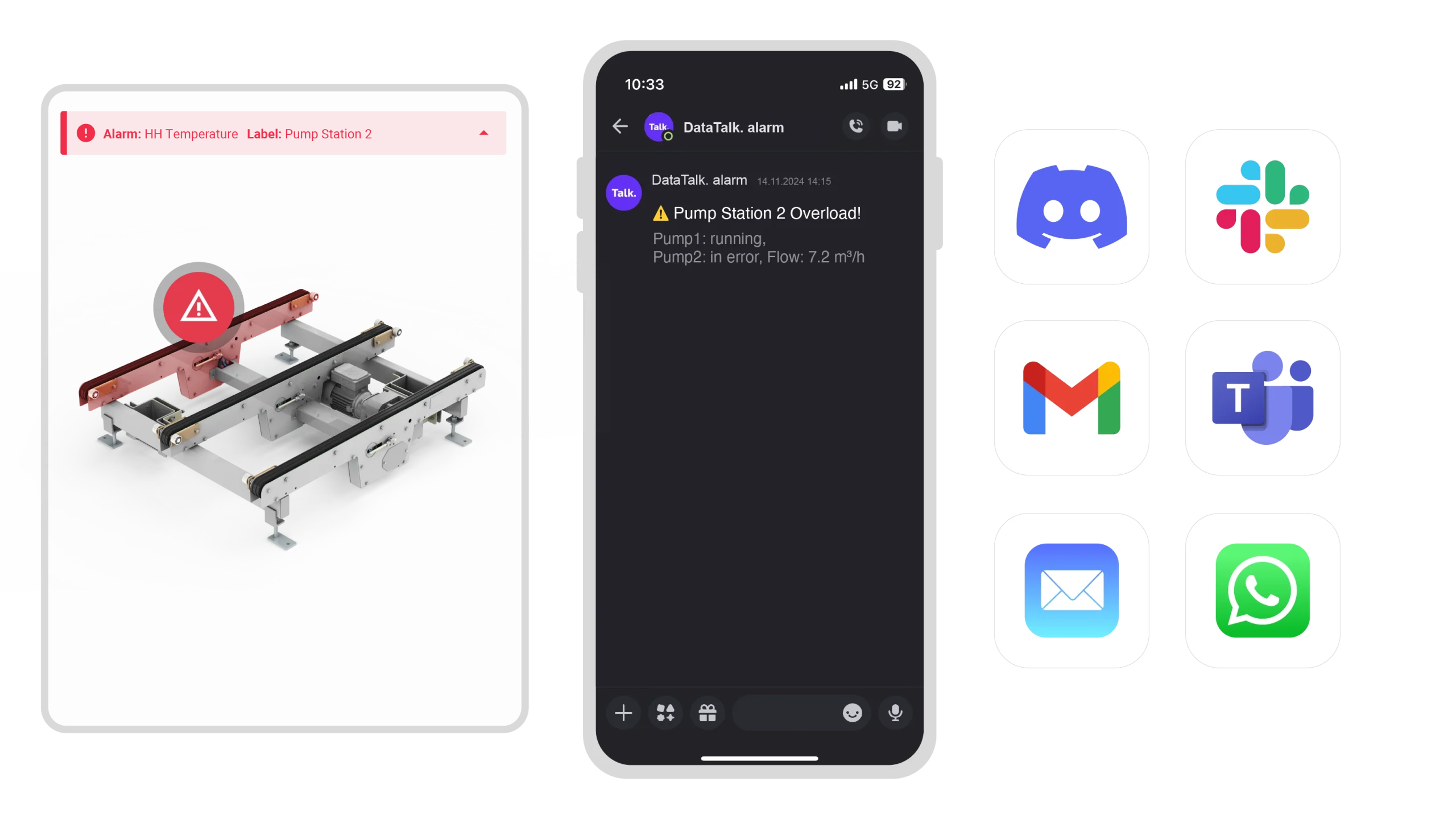
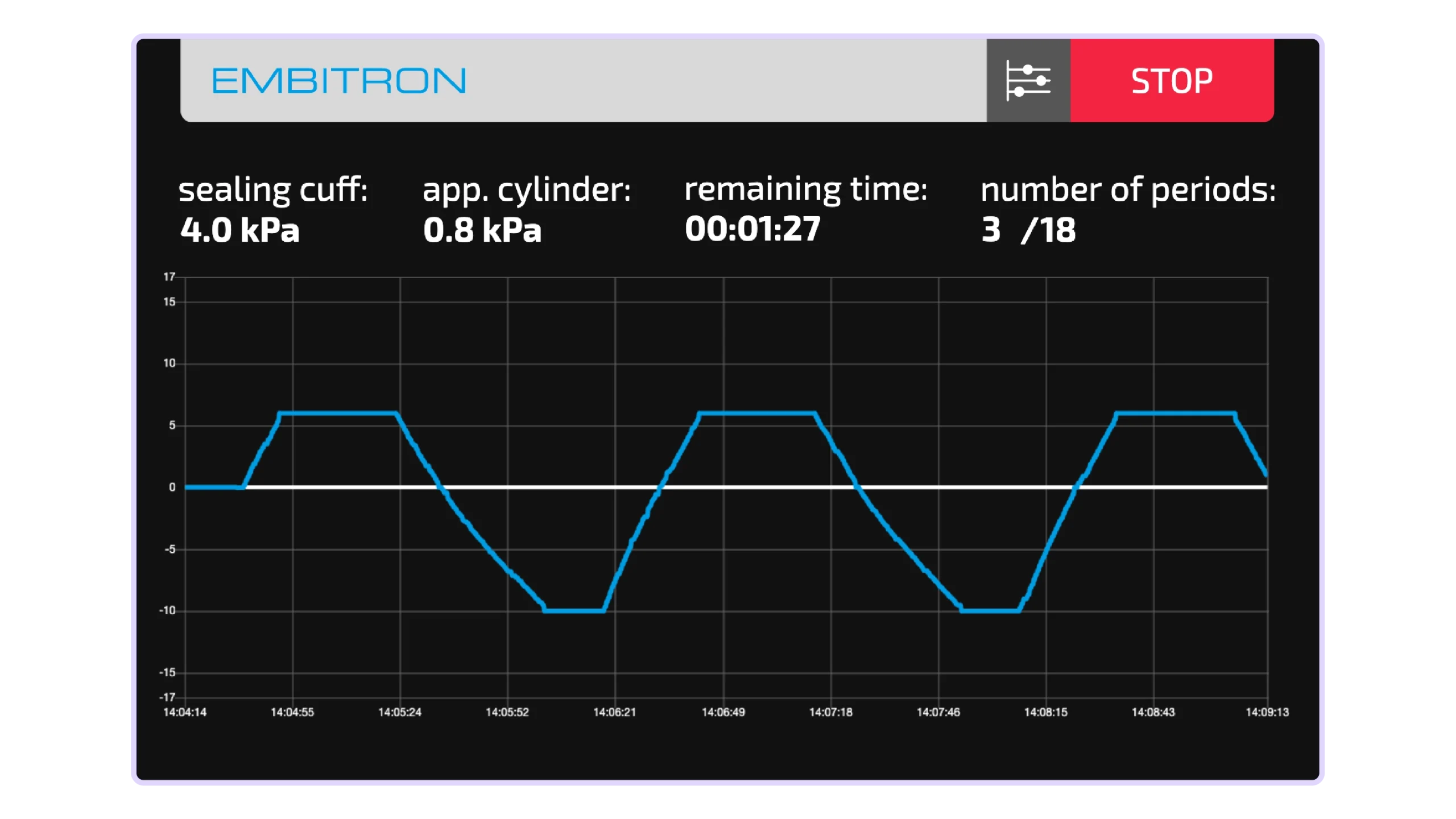
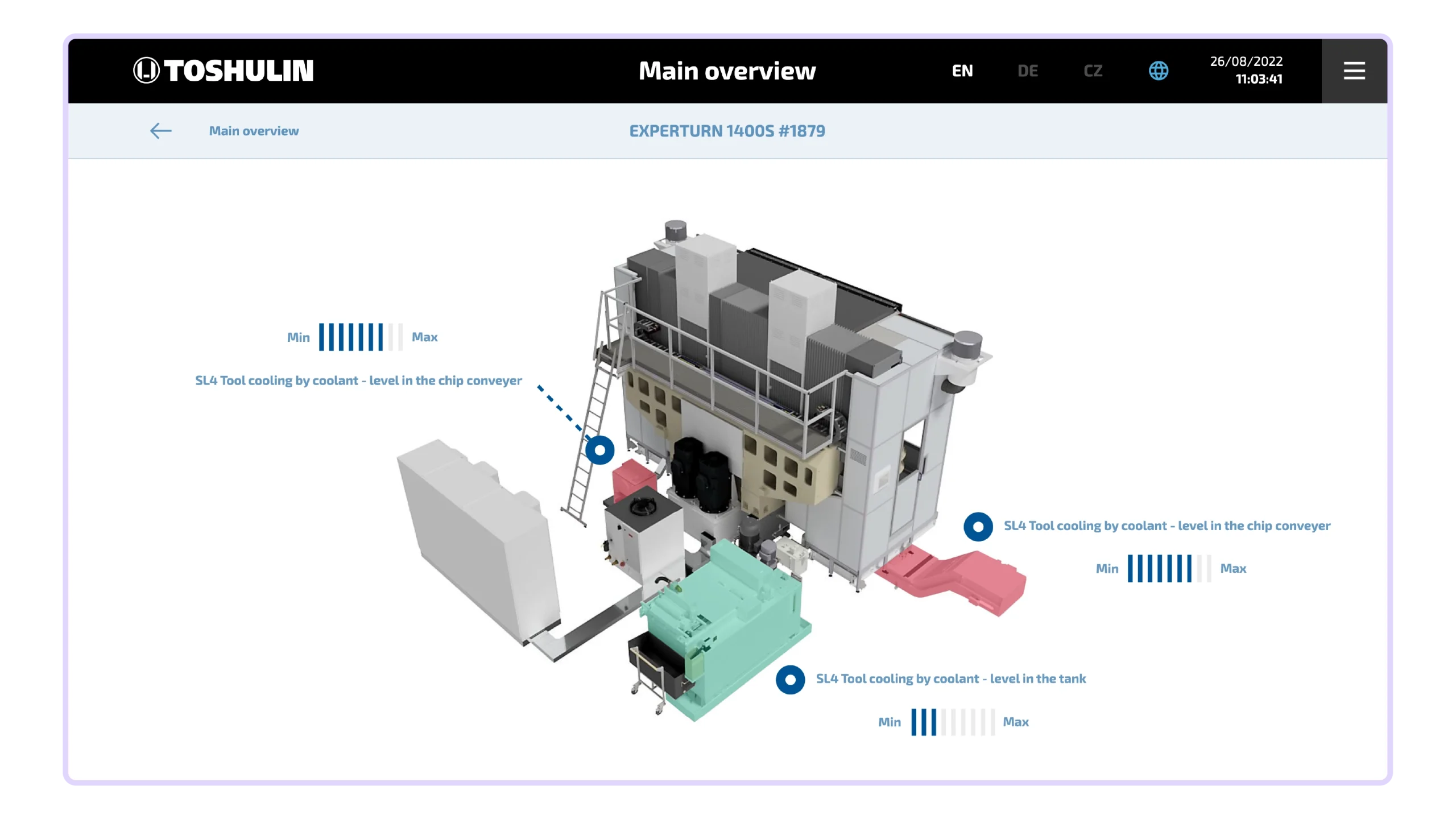
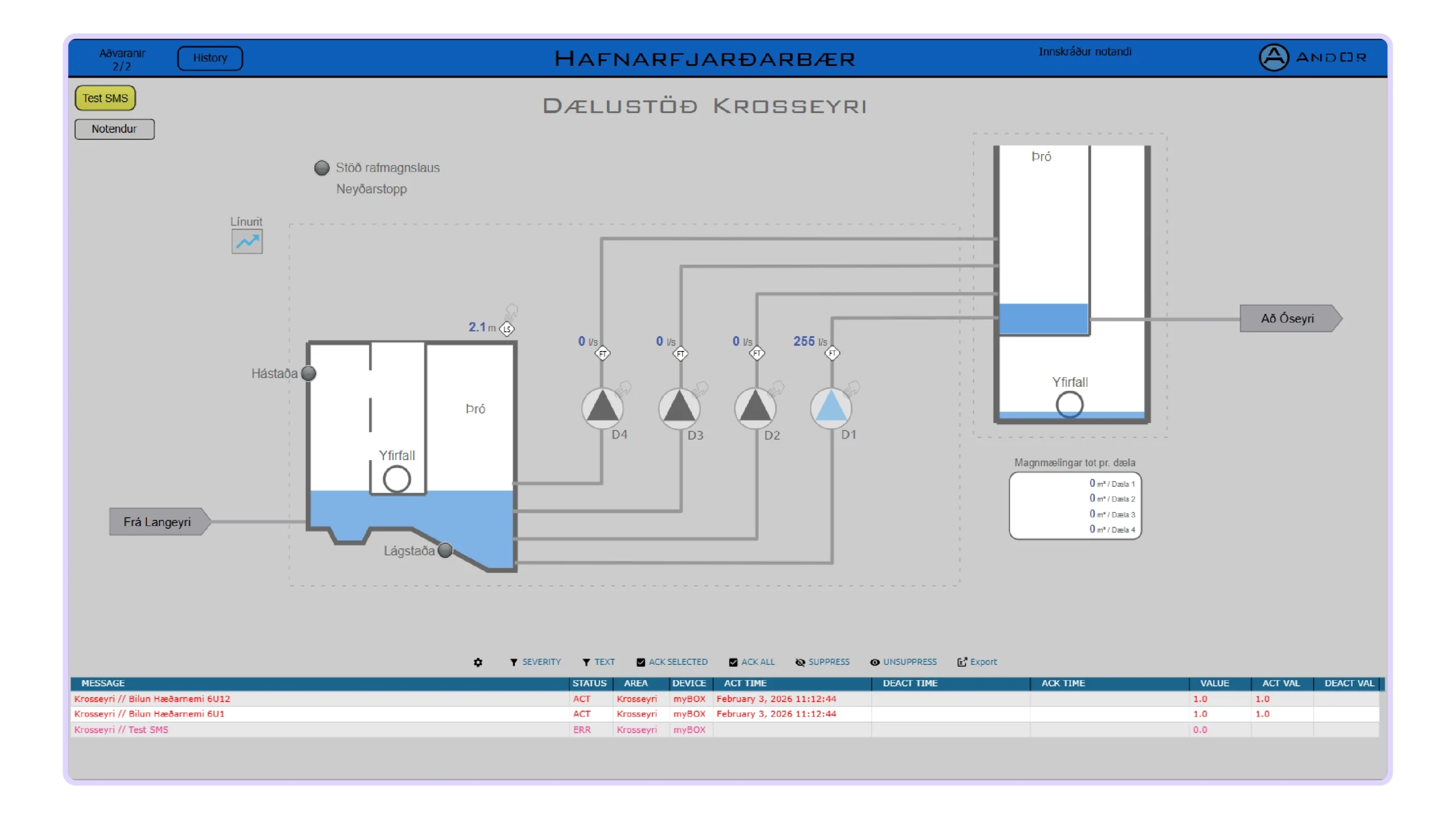
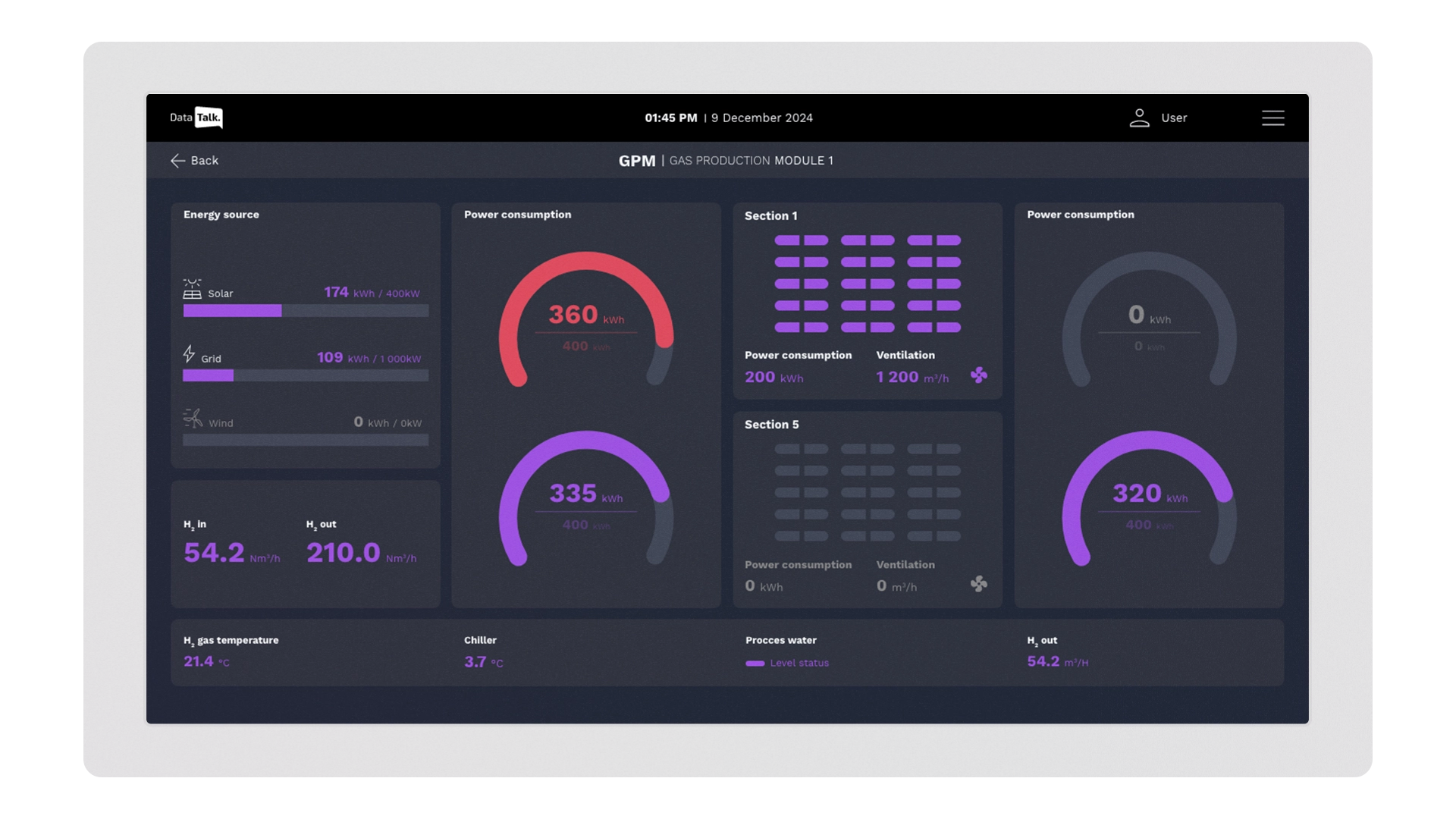
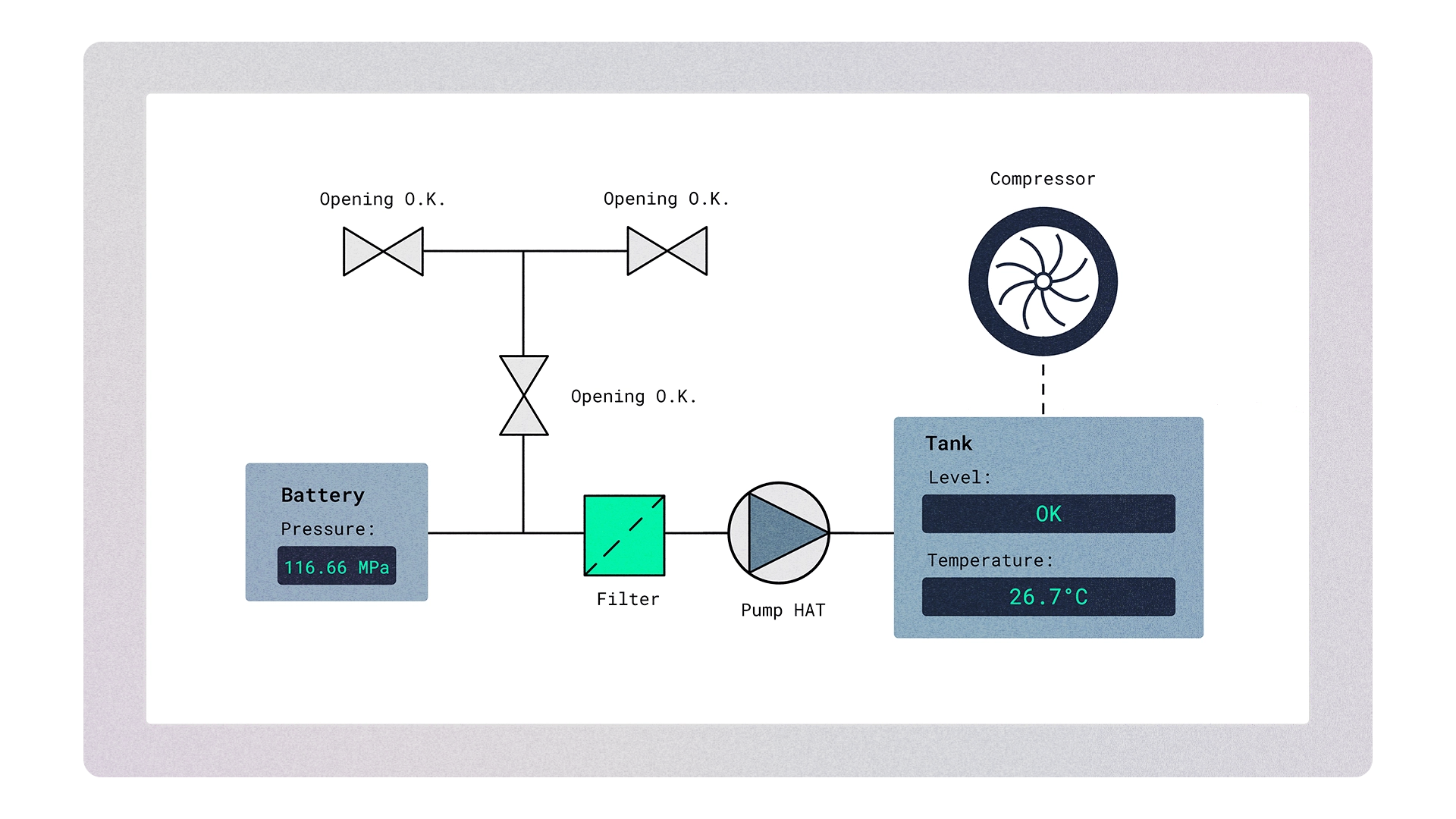
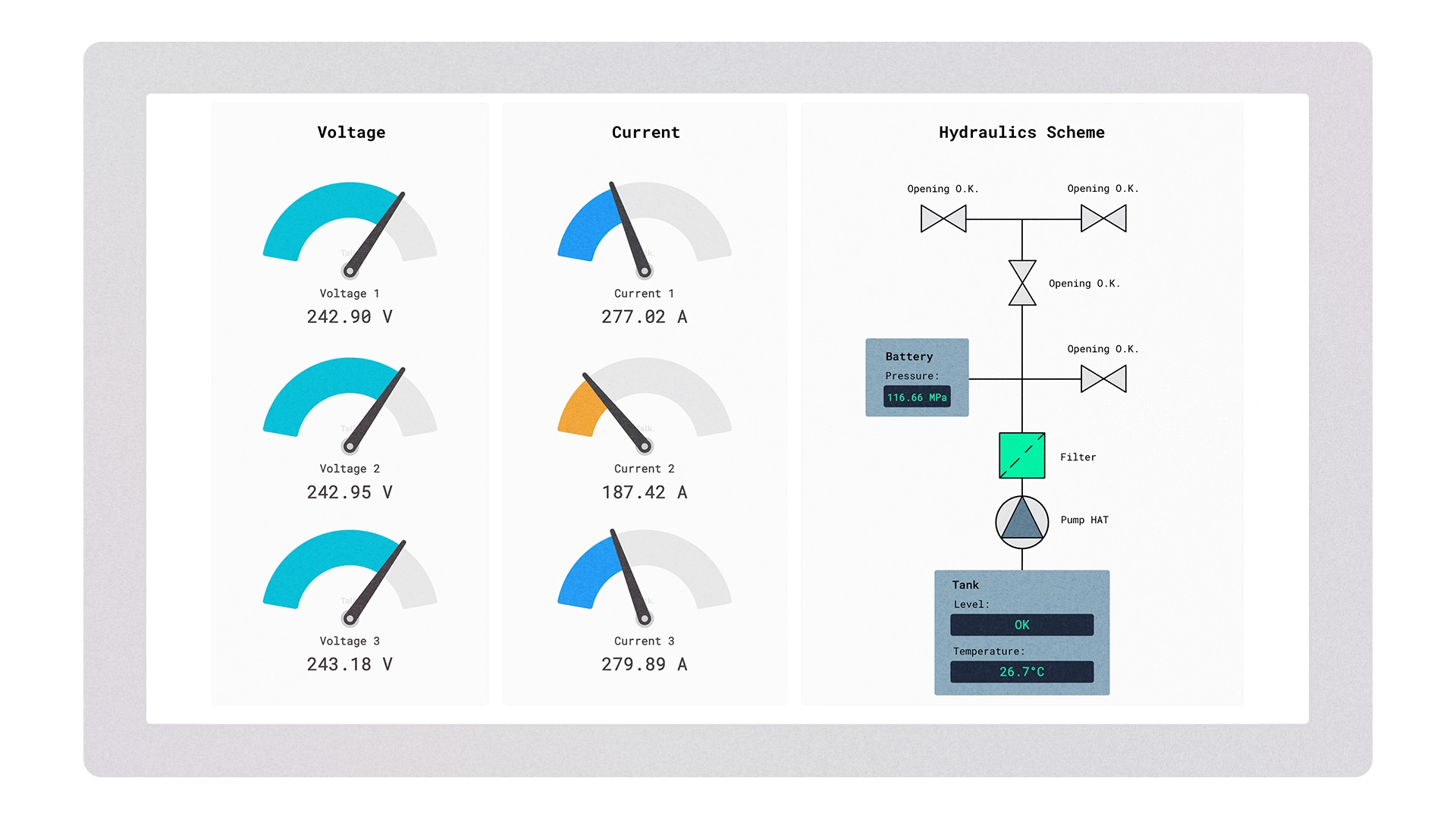
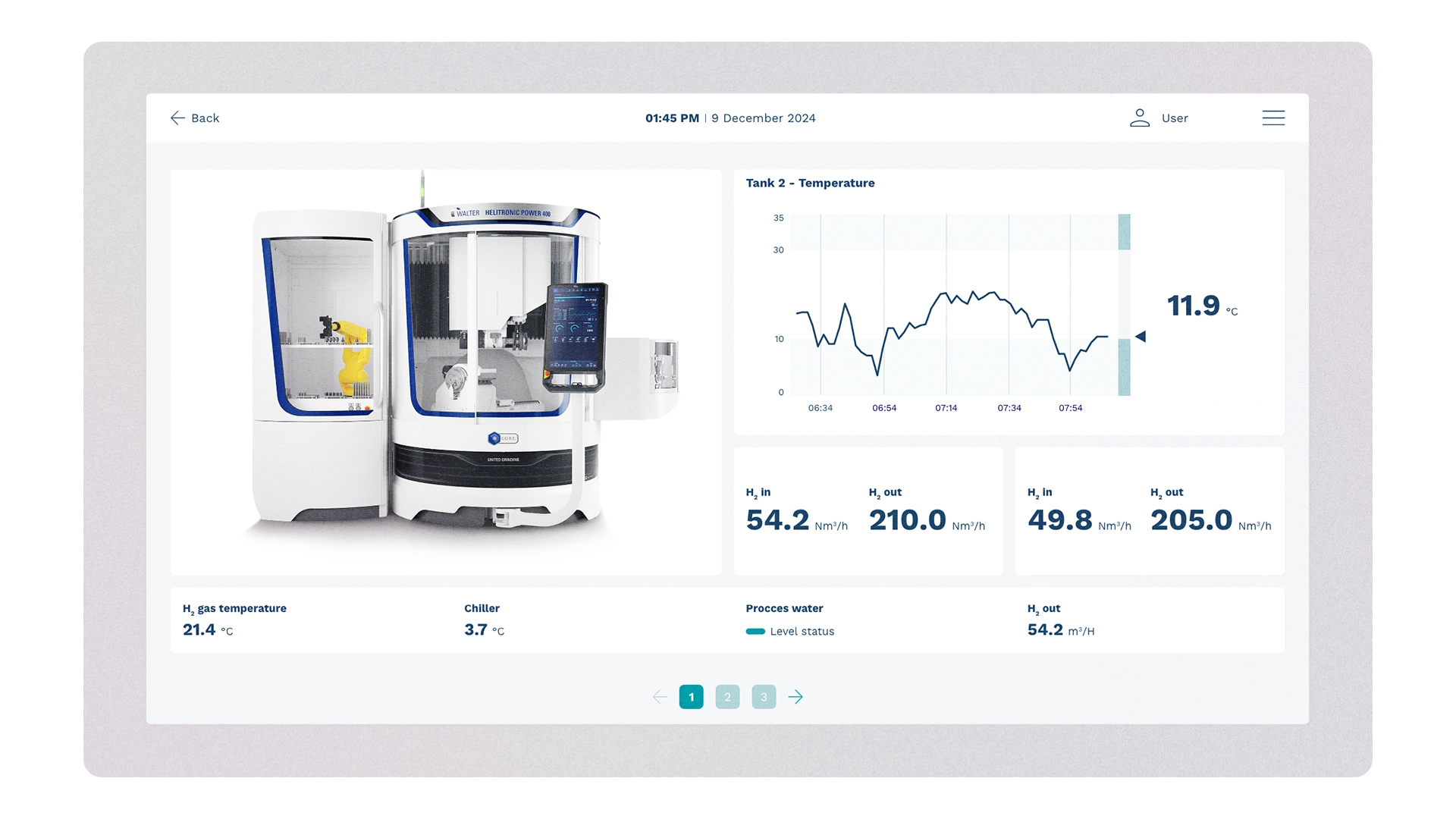
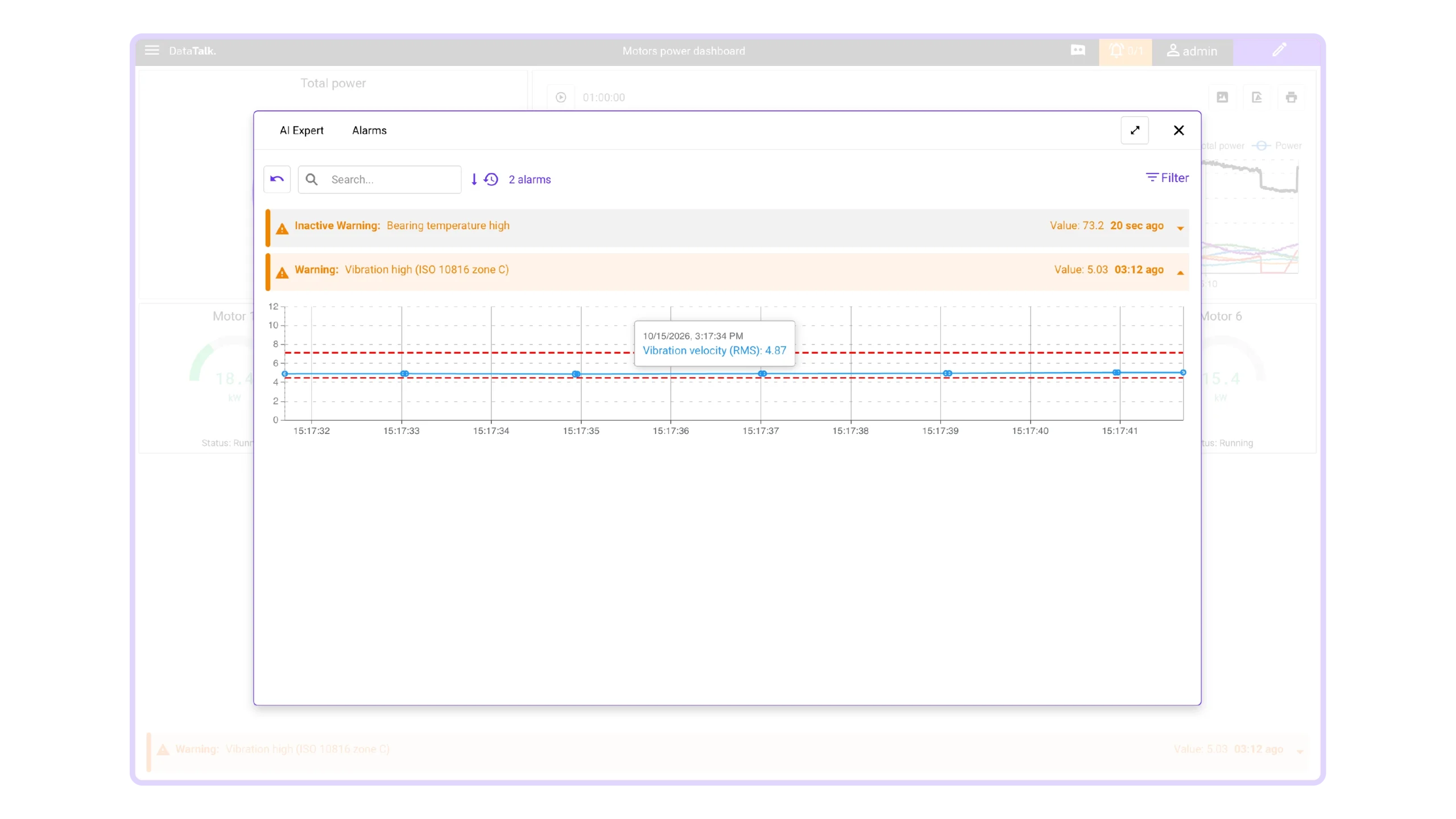
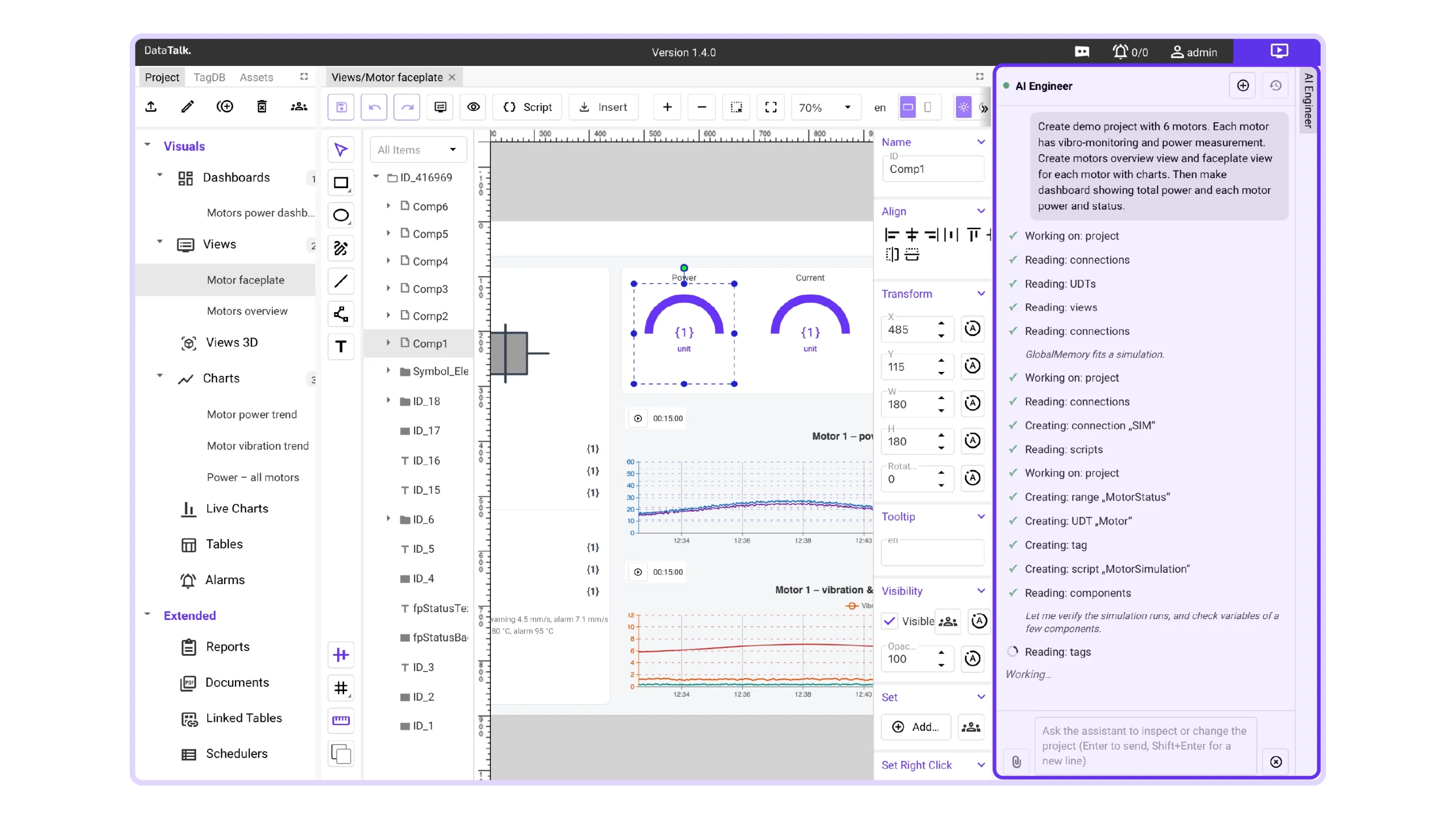
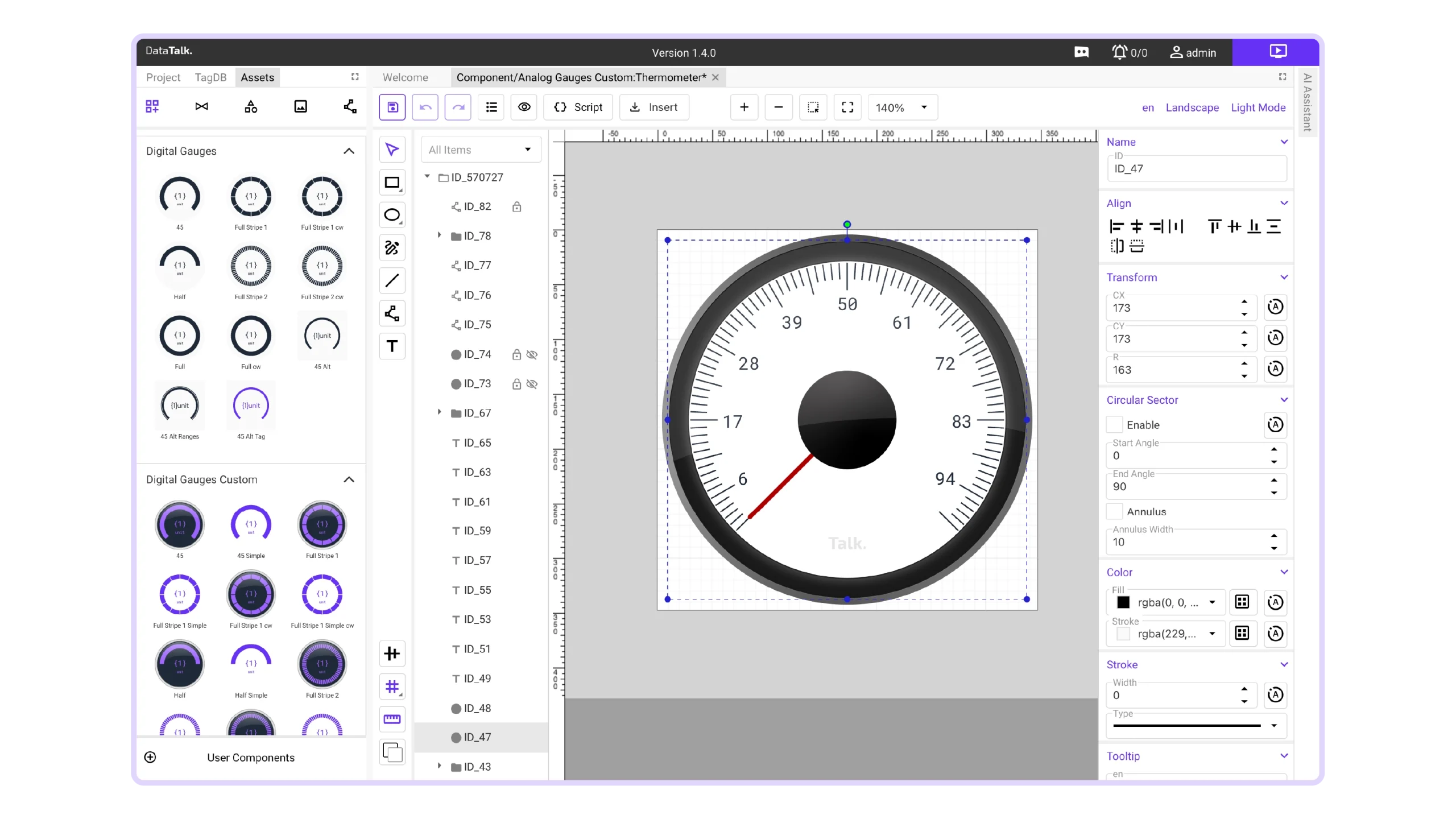
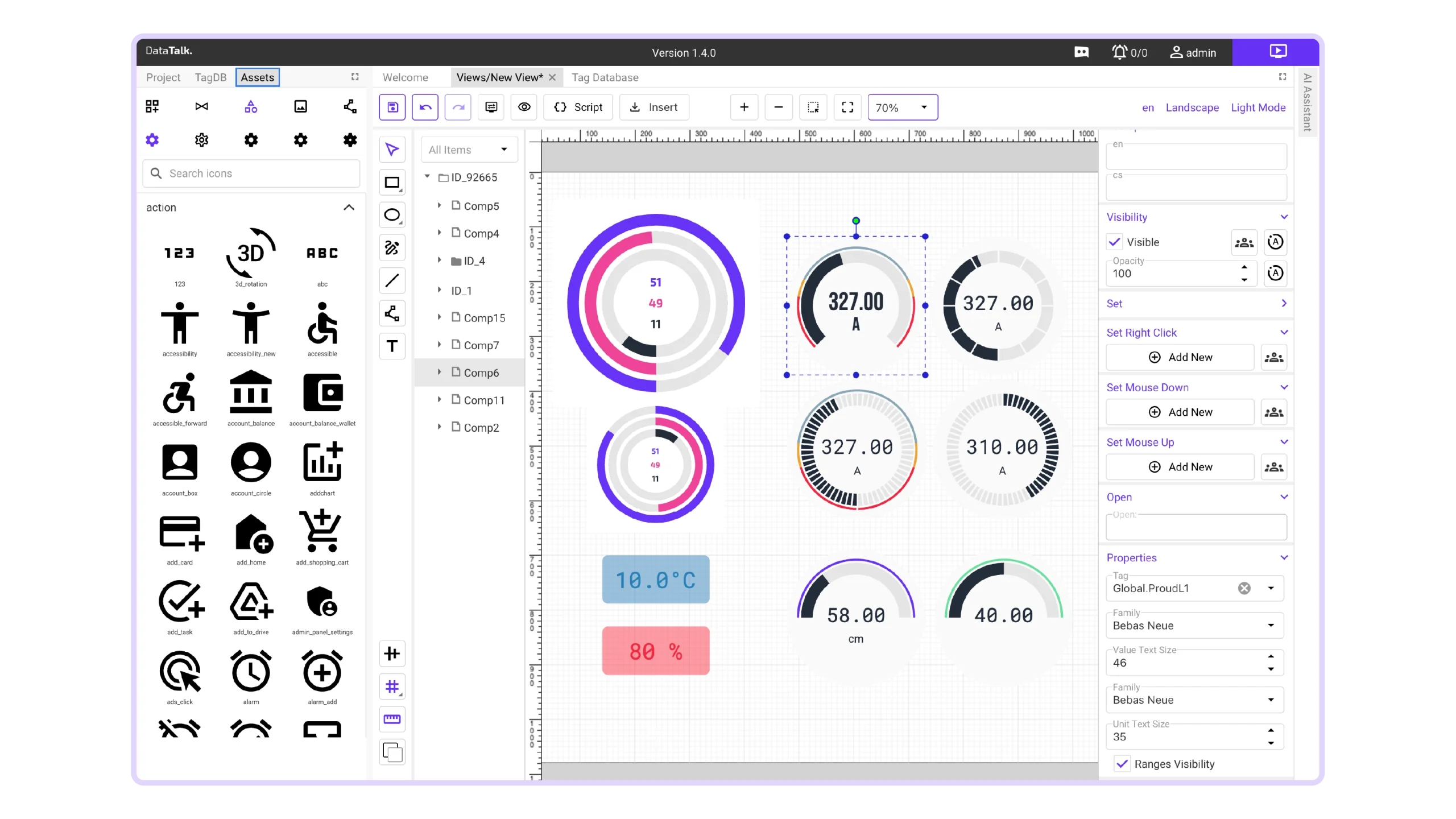
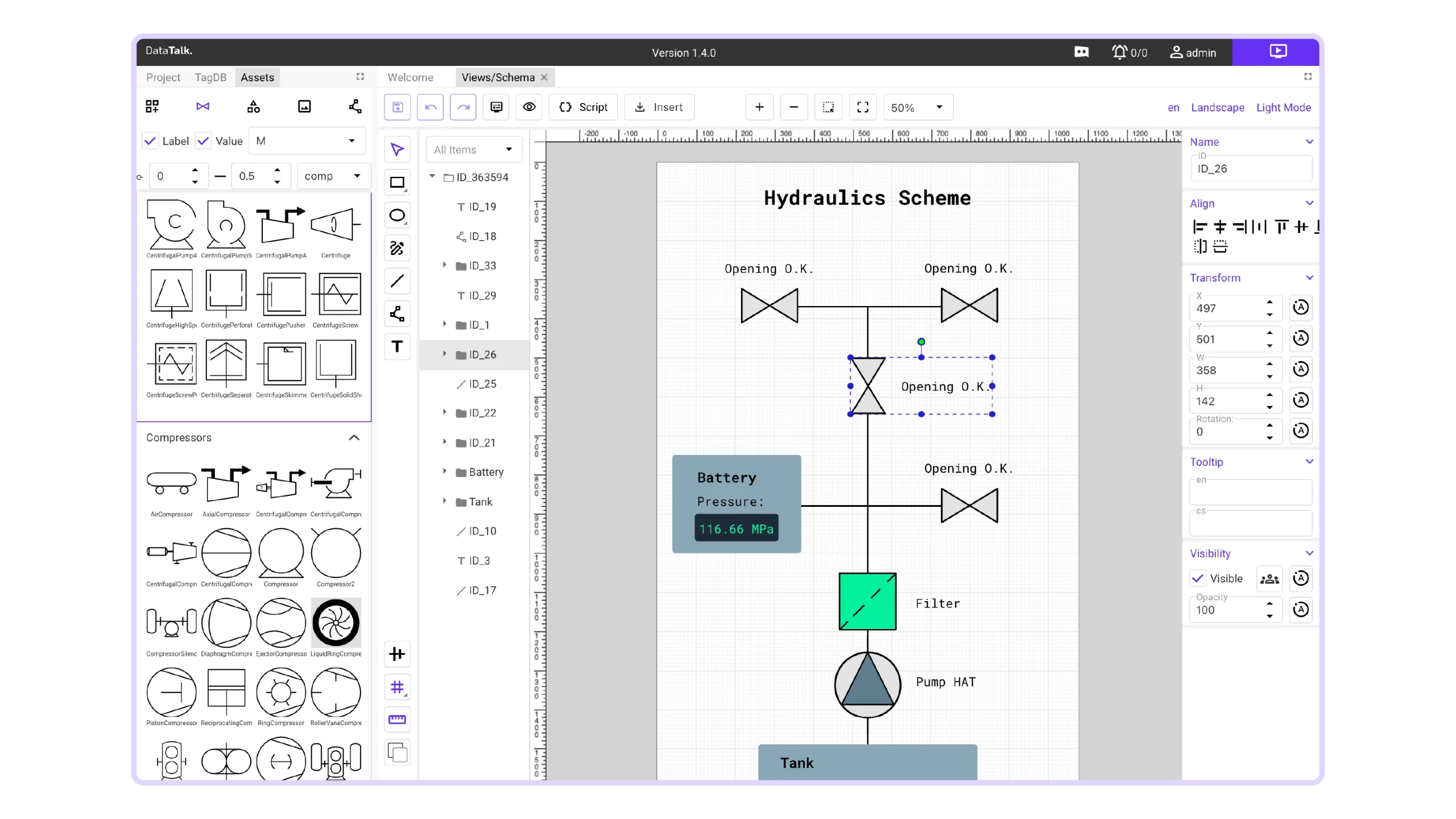
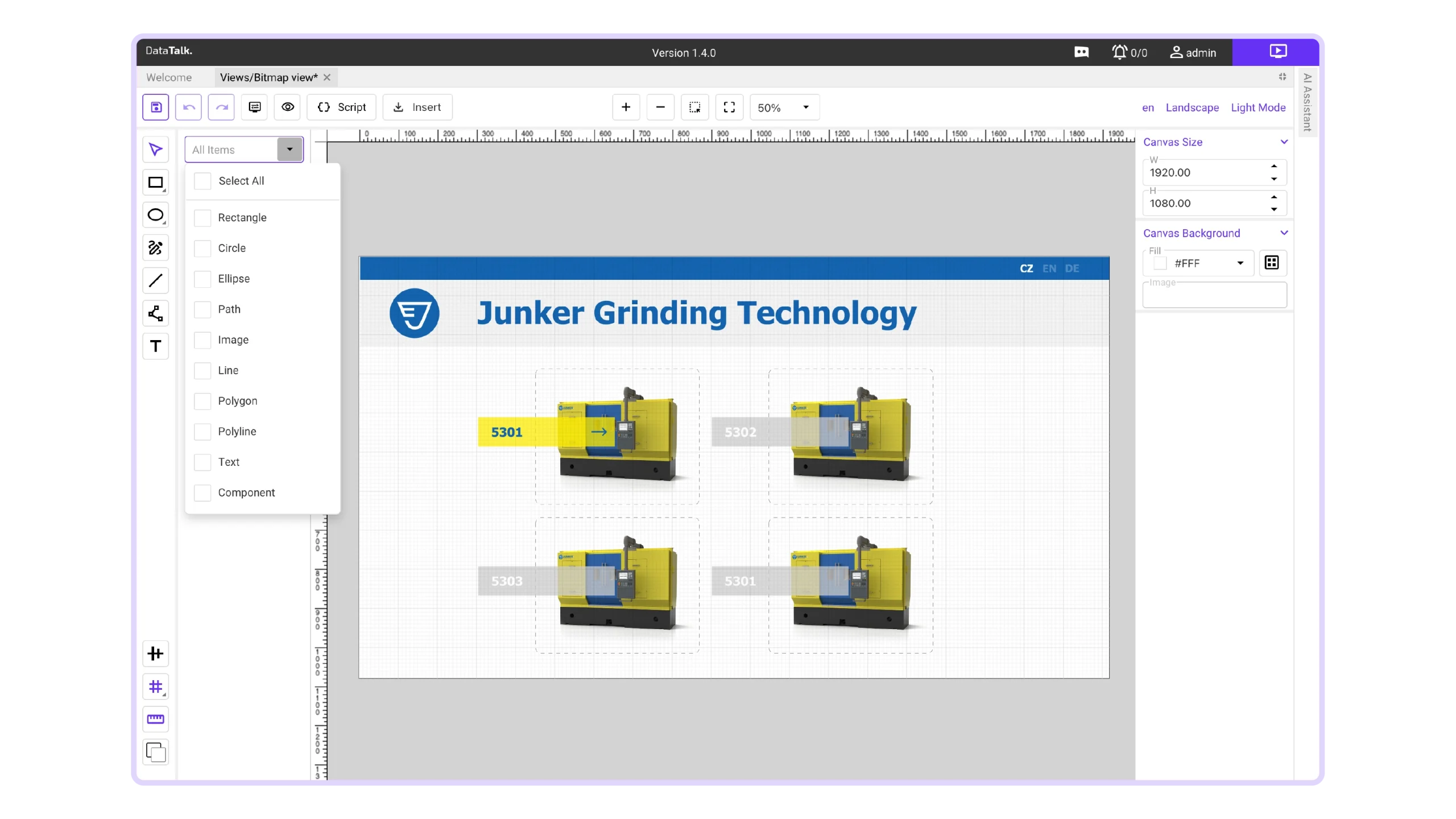
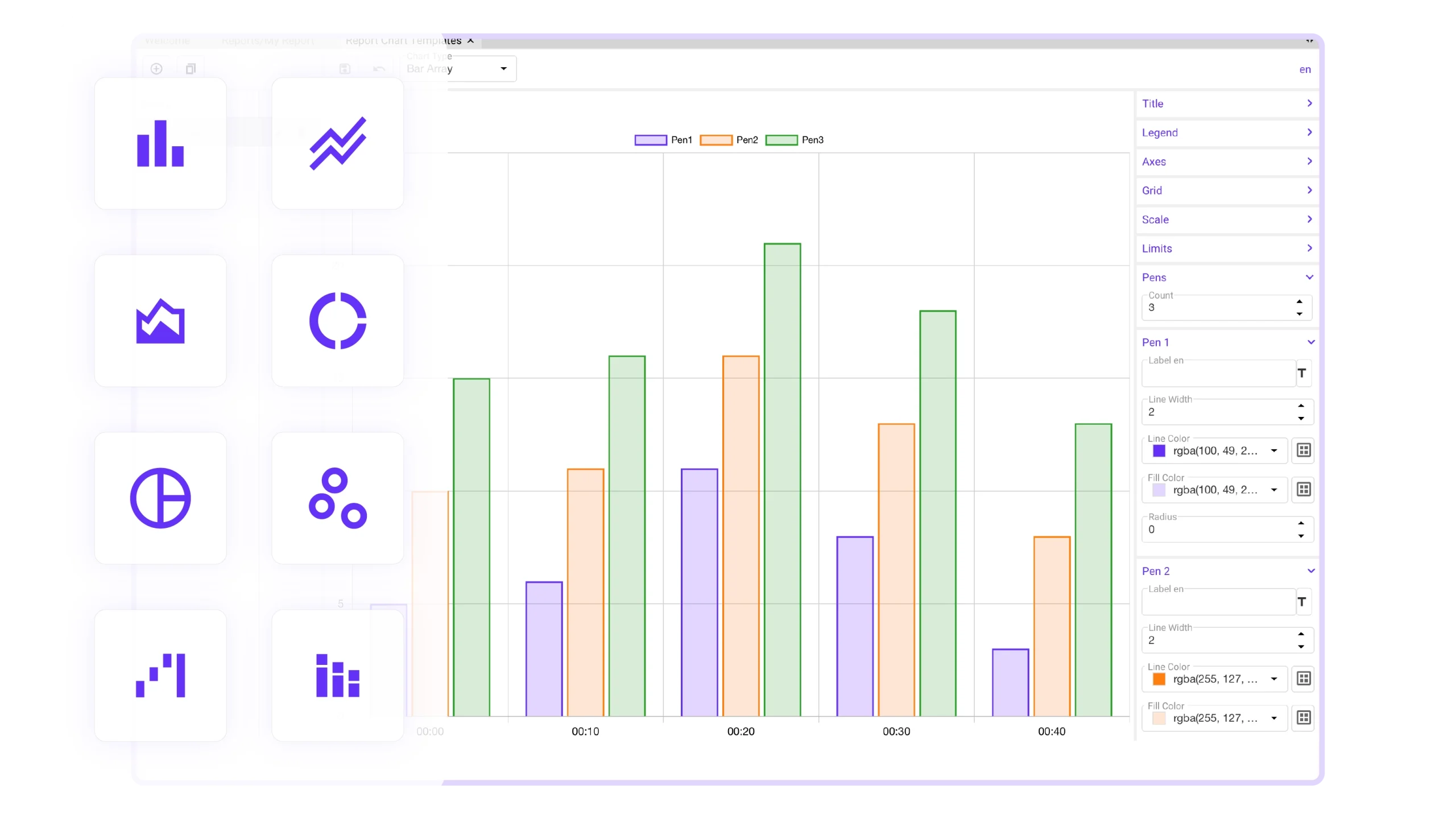
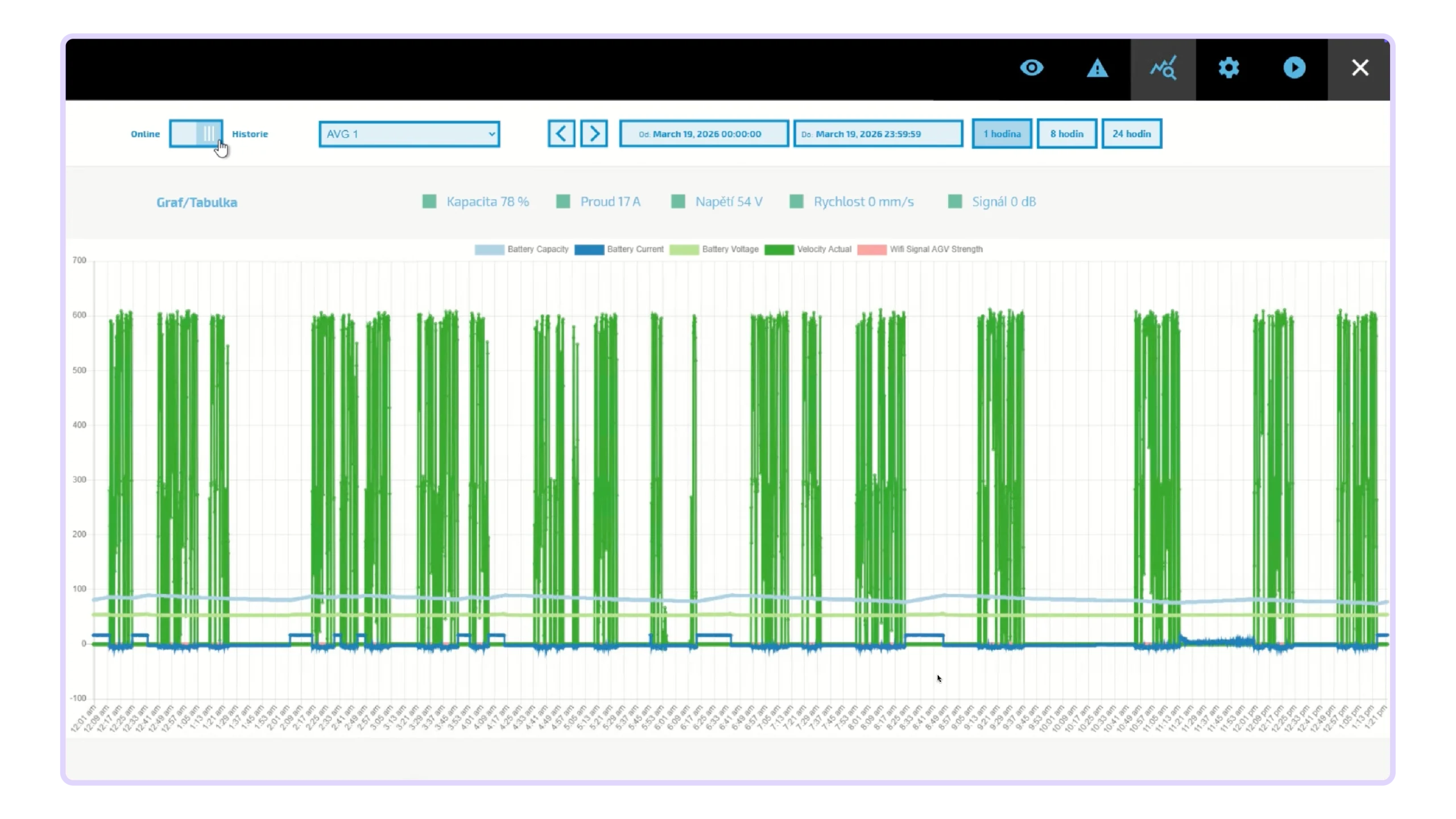
Turn the DataTalk Panel into a complete operator station with embedded DT Web HMI — ideal for machine control, line operation and plant-floor visualization. Build rich, responsive HMI screens directly for the panel, with real-time data, alarms, trends, dashboards and operator controls in one integrated solution.
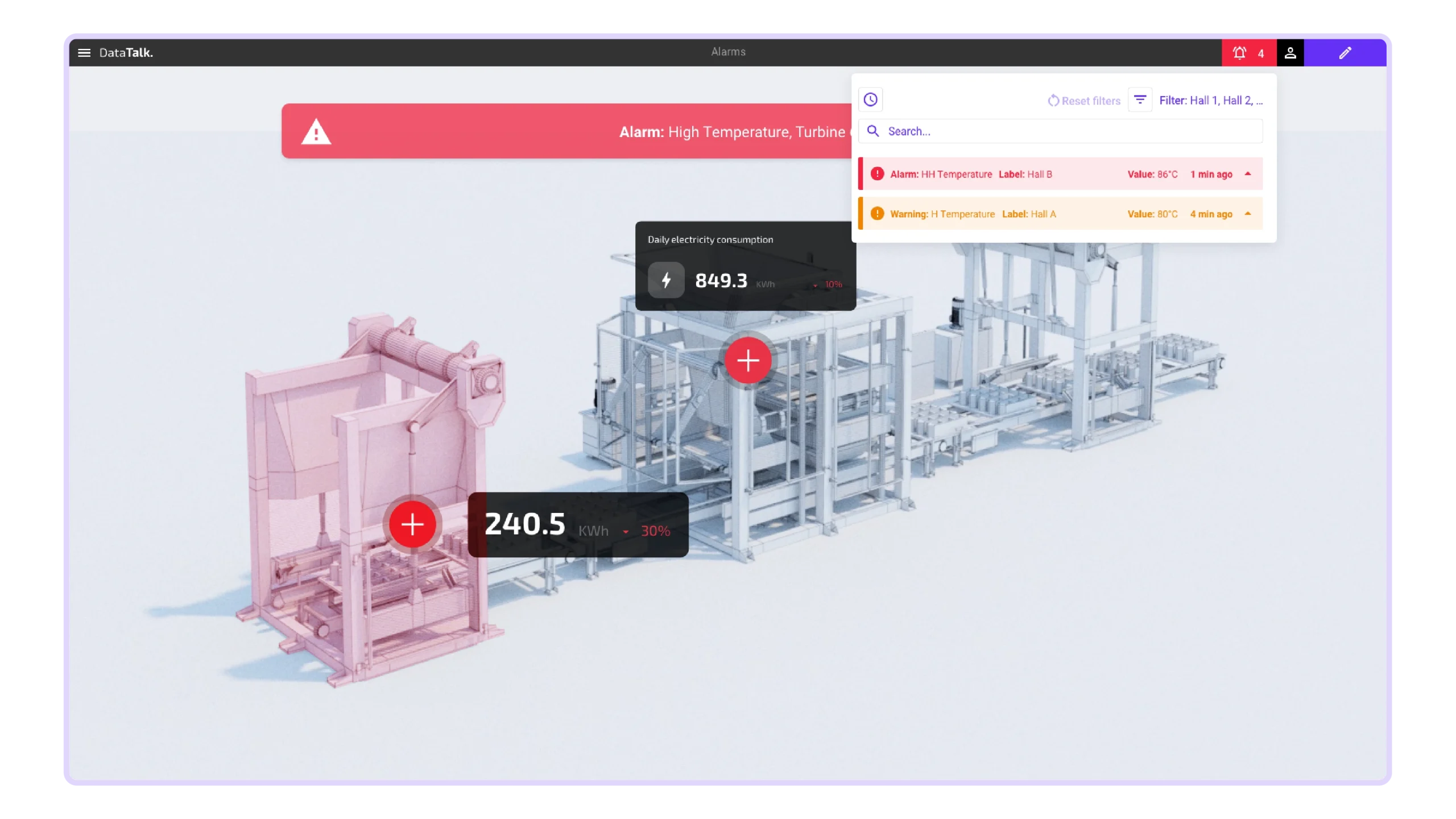

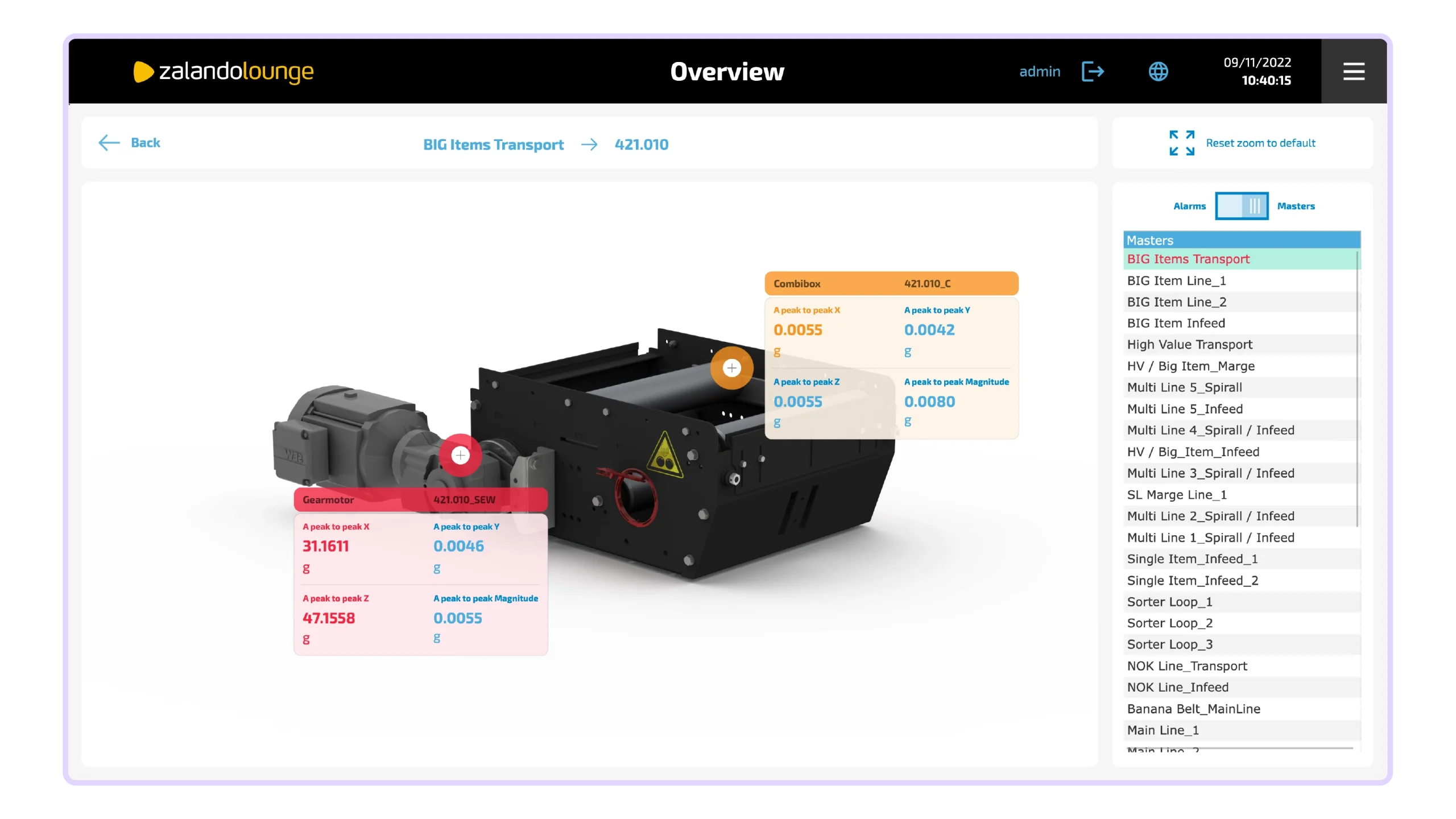
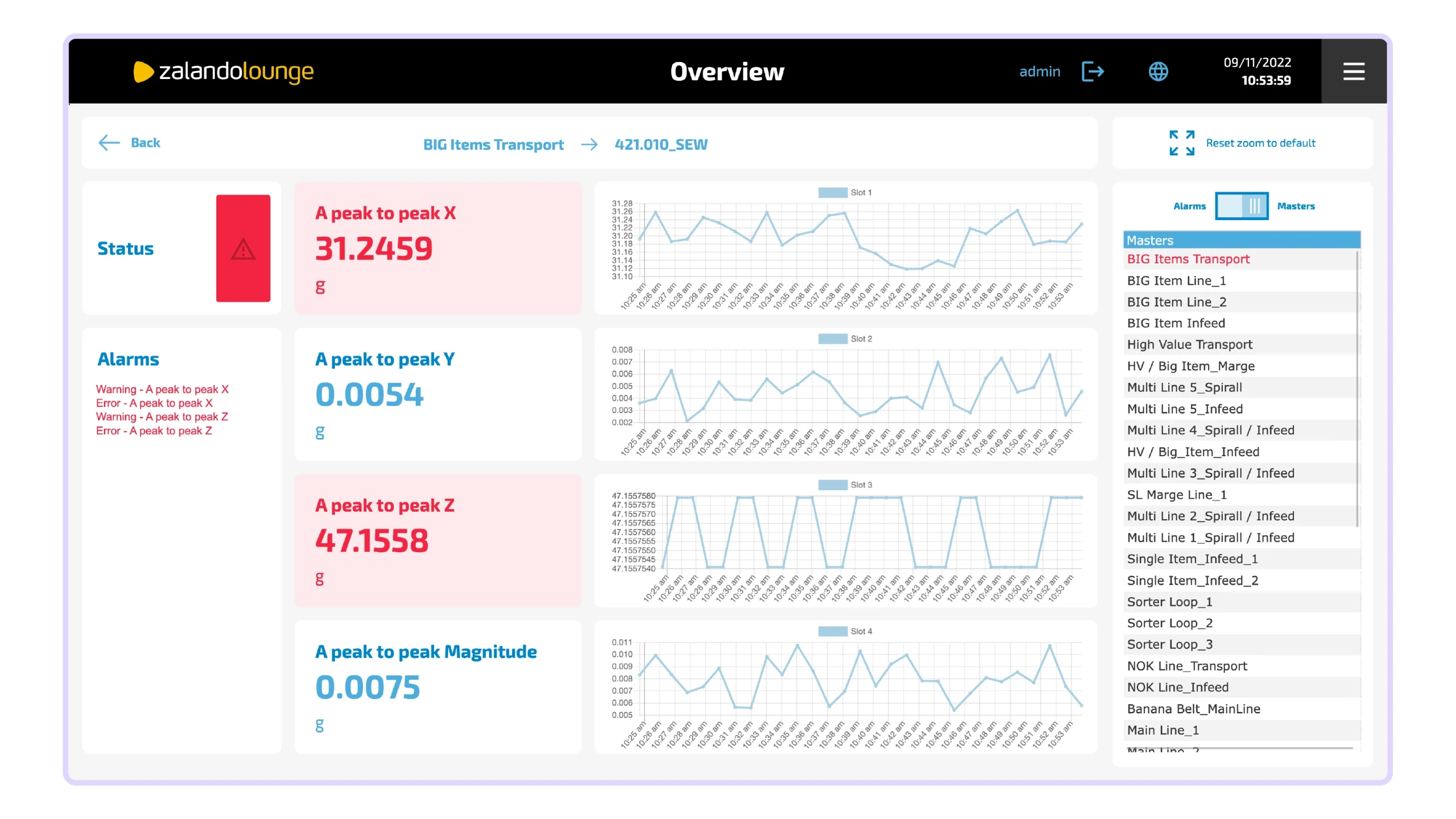
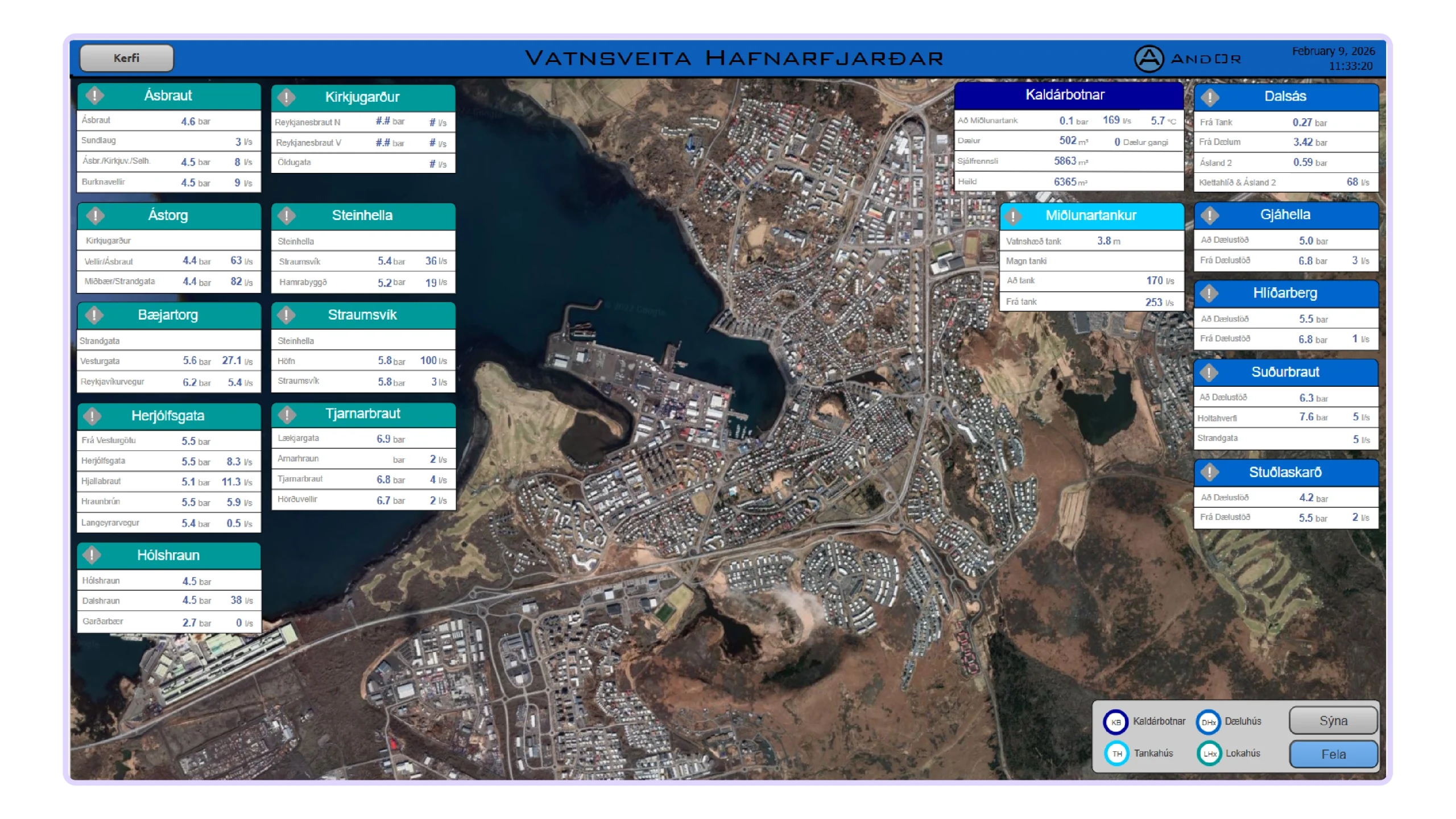
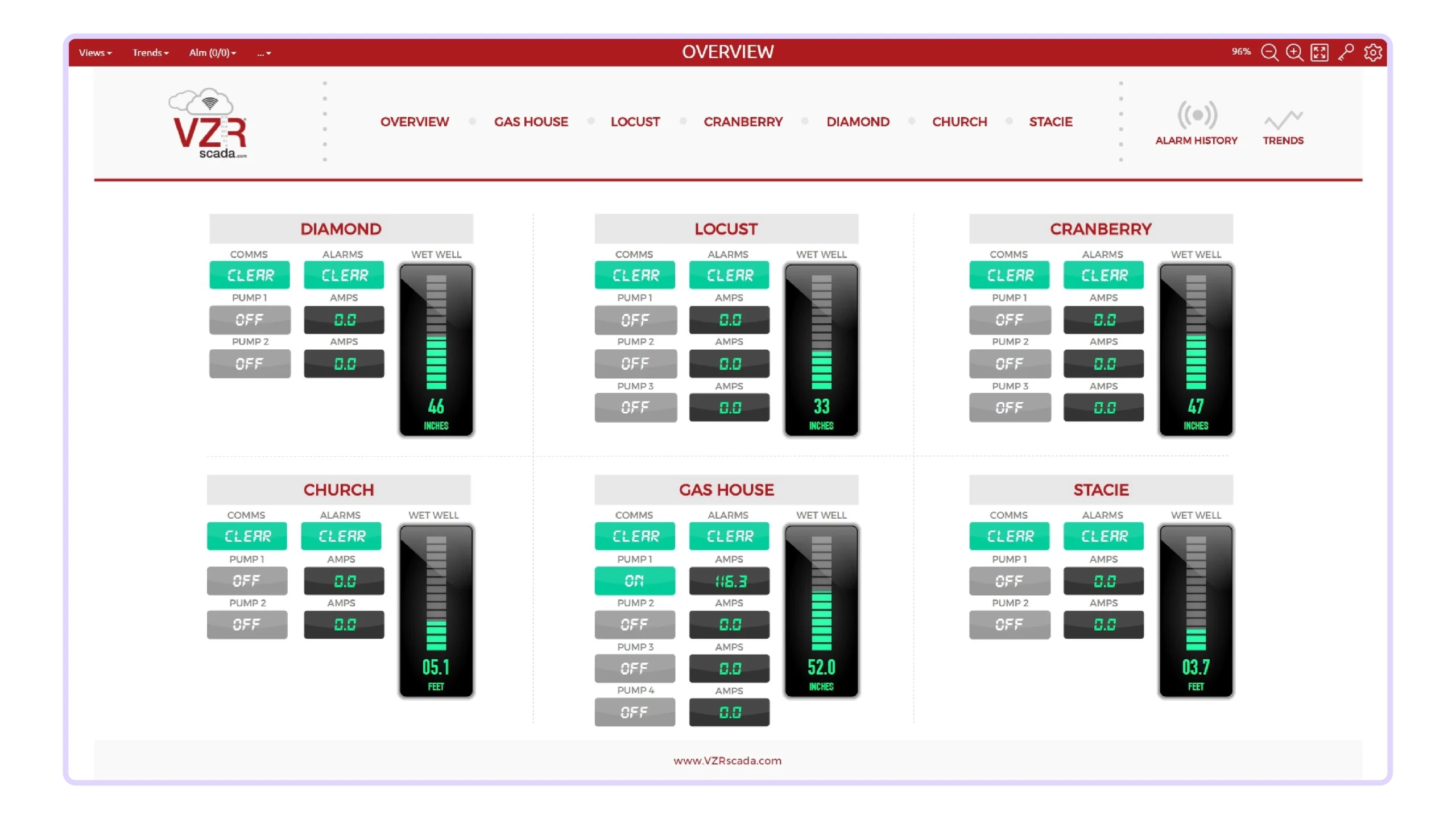
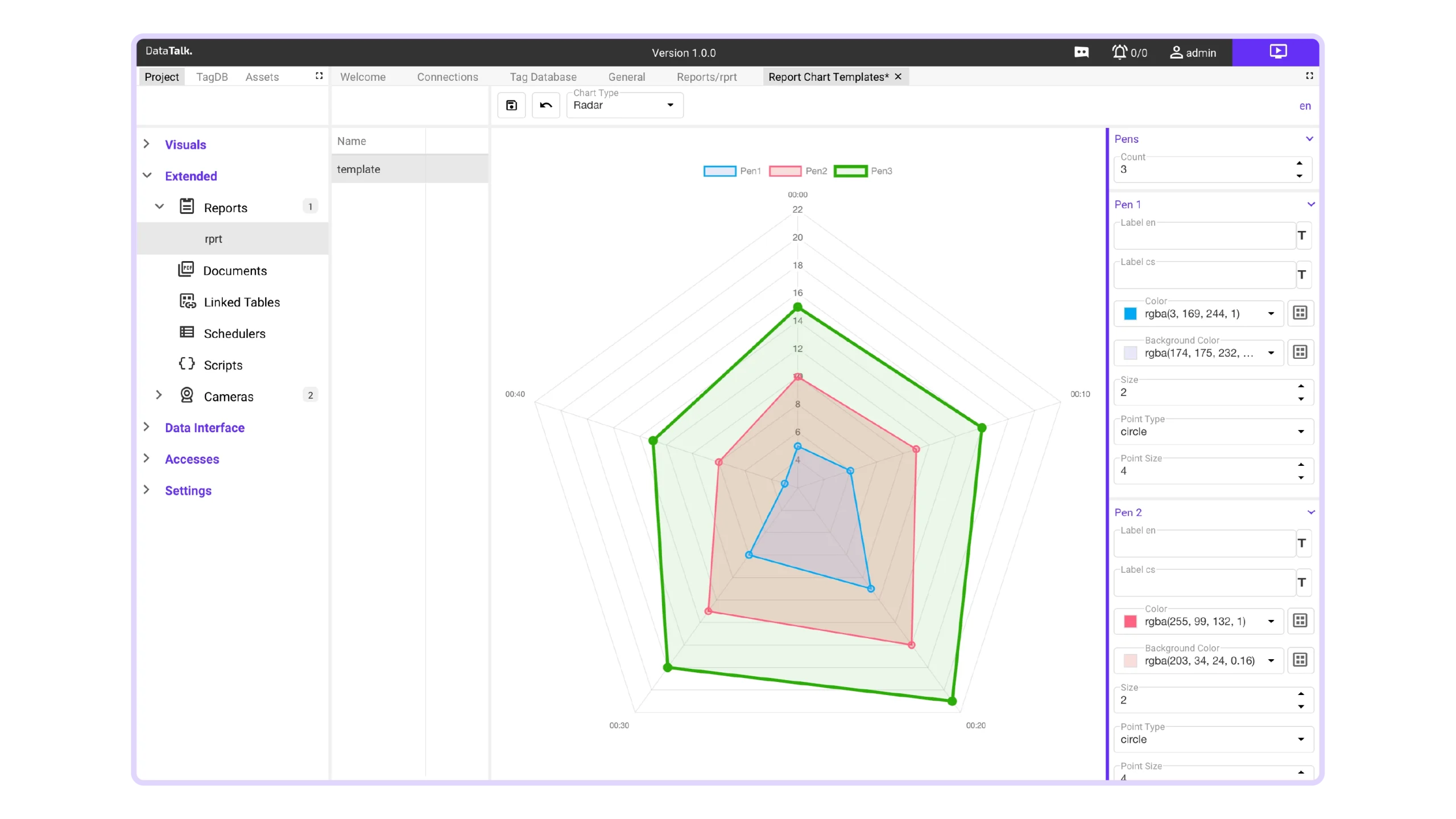
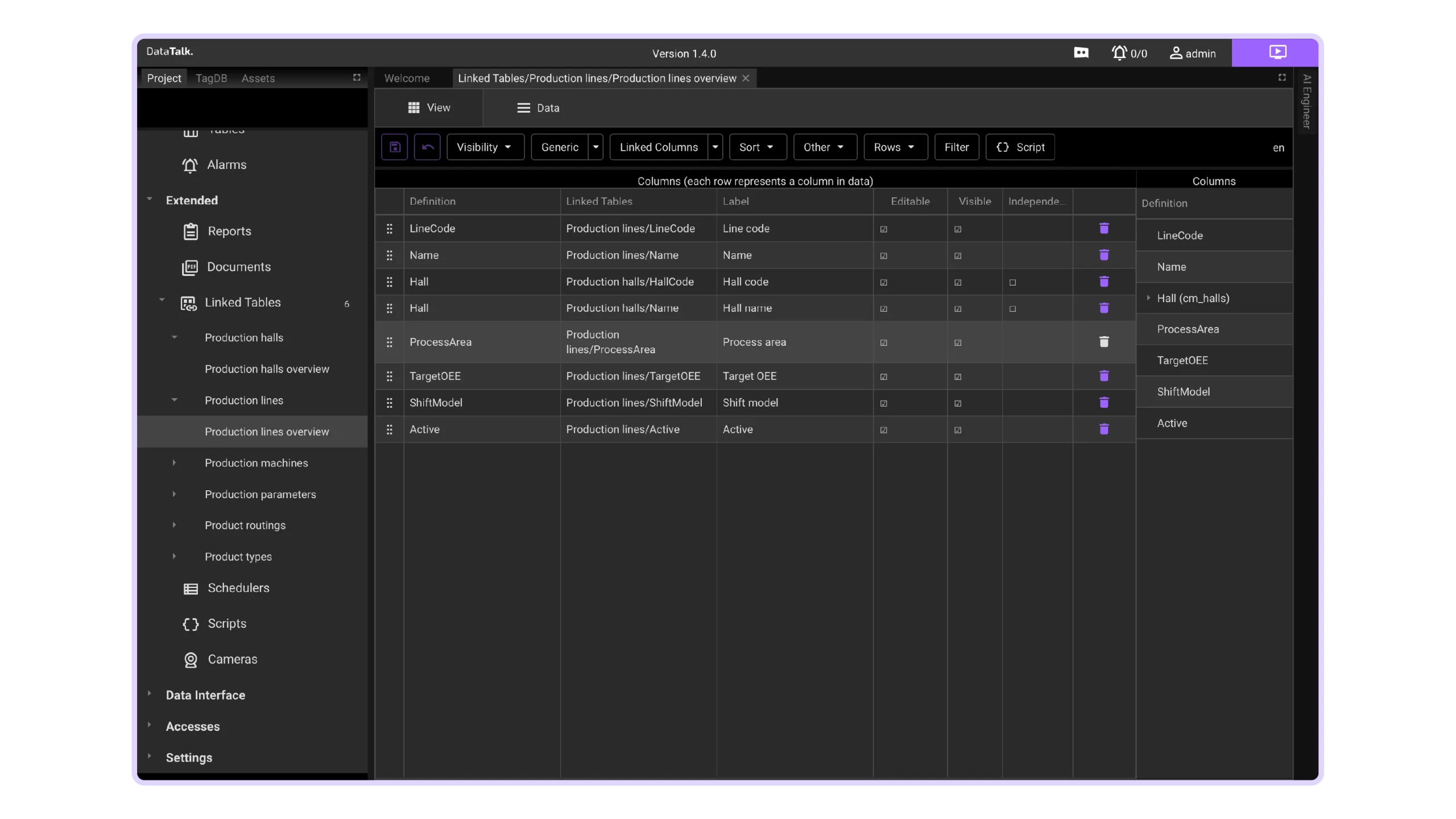
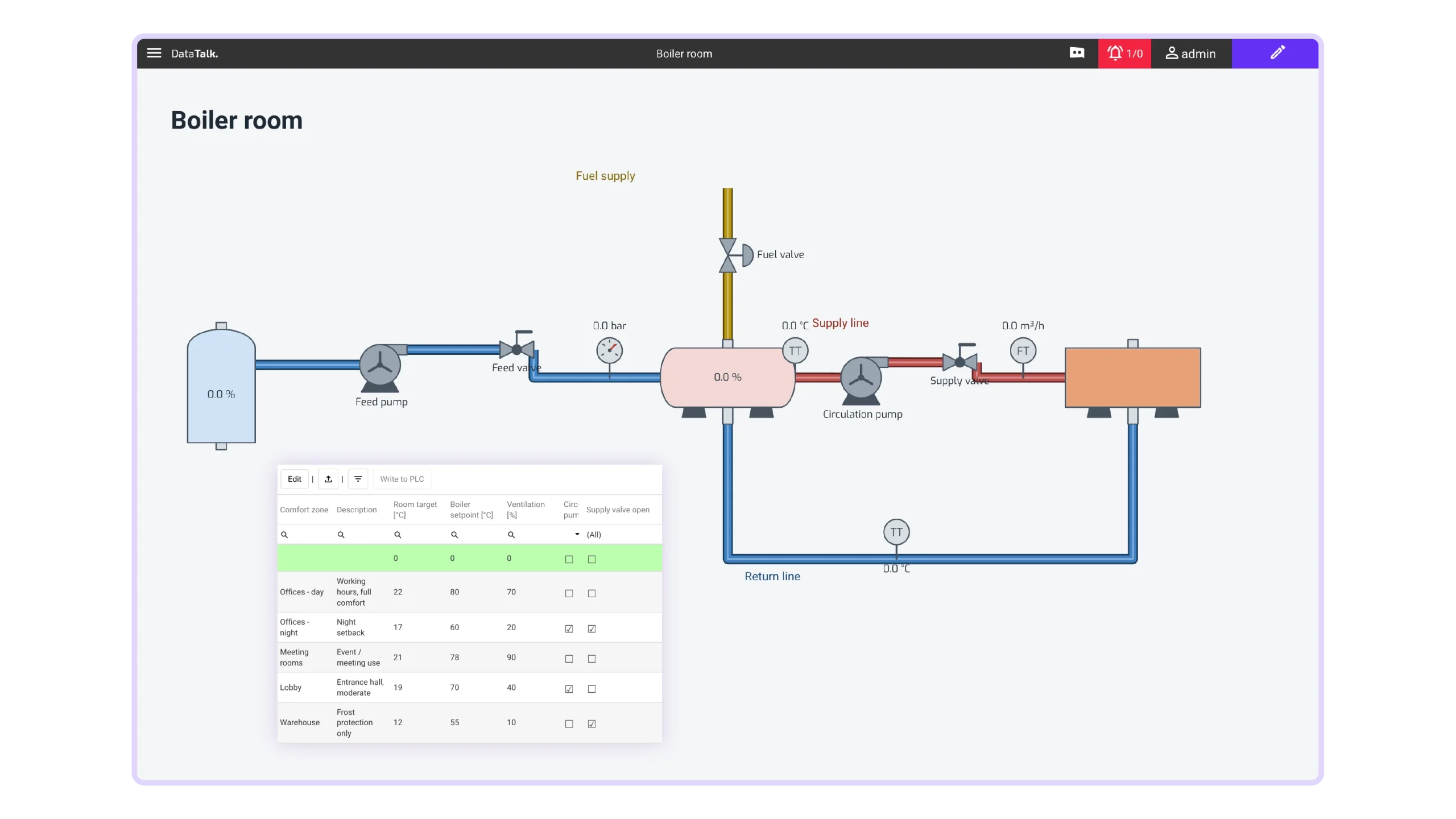
Typical Panel Use Cases
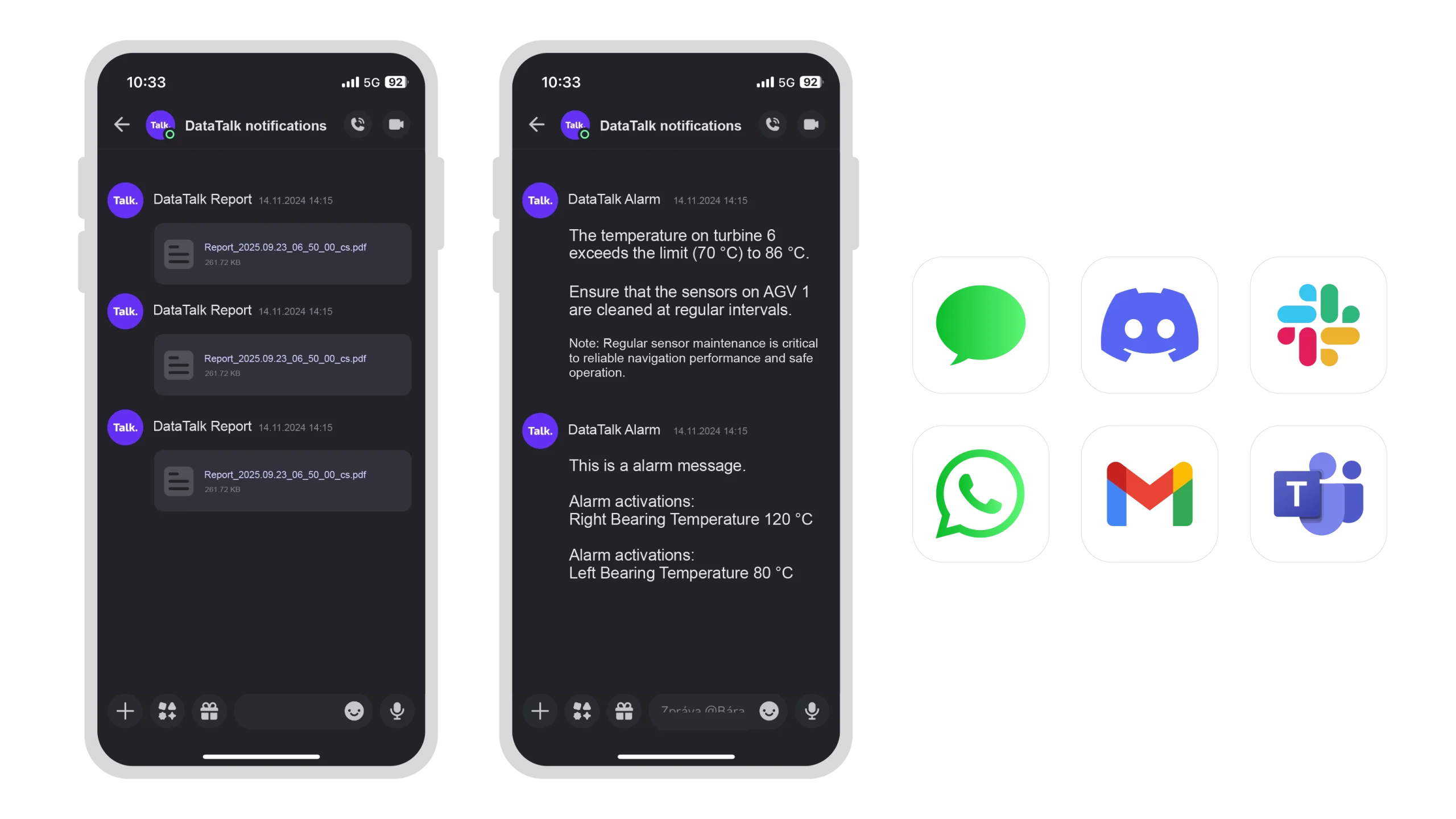
Use DataTalk Panel as a dedicated operator terminal for your existing SCADA, MES or myPRO system, with optional redundancy for high availability. Run DataTalk Web HMI directly on the Panel as a complete standalone solution for your machine or factory. Or bring your own software, with DataTalk Manager handling deployment, containers and the underlying platform lifecycle.
1. Run DataTalk Web HMI Directly on DataTalk Panel
The Panel as a complete standalone machine or factory HMI.
Use the integrated DataTalk Web HMI to run your visualization directly on the Panel. Download your DataTalk project to the device and connect it to your PLCs, machines and other data sources.
The Panel provides the visualization, runtime and operator interface in one device, so no separate SCADA server or PC is required. It is a simple all-in-one solution for monitoring and operating individual machines, production lines or entire facilities.

2. Monitor Your Existing System on DataTalk Panel
The Panel as a dedicated operator terminal for your server.
Use the integrated secure web browser to connect directly to your existing SCADA, MES, myPRO or other web-based application running on a separate server. The Panel acts as a dedicated operator interface while your application remains on its own infrastructure.
For high-availability applications, two URLs can be configured and the Panel automatically switches to the backup system if the primary server becomes unavailable. Nothing needs to be installed on the Panel — it simply provides a secure, managed and reliable window into your existing system.

3. Run Your Own Software on DataTalk Panel
The Panel as a managed platform for your application.
Upload your own software image and let DataTalk Manager deploy and run it in a managed container environment. Your application can provide its own operator interface, functionality and workflows, while DataTalk takes care of the underlying Panel platform, software deployment, operating-system lifecycle, security updates and hardware integration. You develop and maintain your application — DataTalk manages the device it runs on.
pricing
Selection Guide
All models share the same software platform and feature set — choose the screen size that fits your cabinet and application.

DataTalk Panel 7
Panel + Manager
€ 700
Panel + Manager + Web HMI
S (500 tags)
M (2 500 tags)
L (10 000 tags)
Starting from
€ 1 330
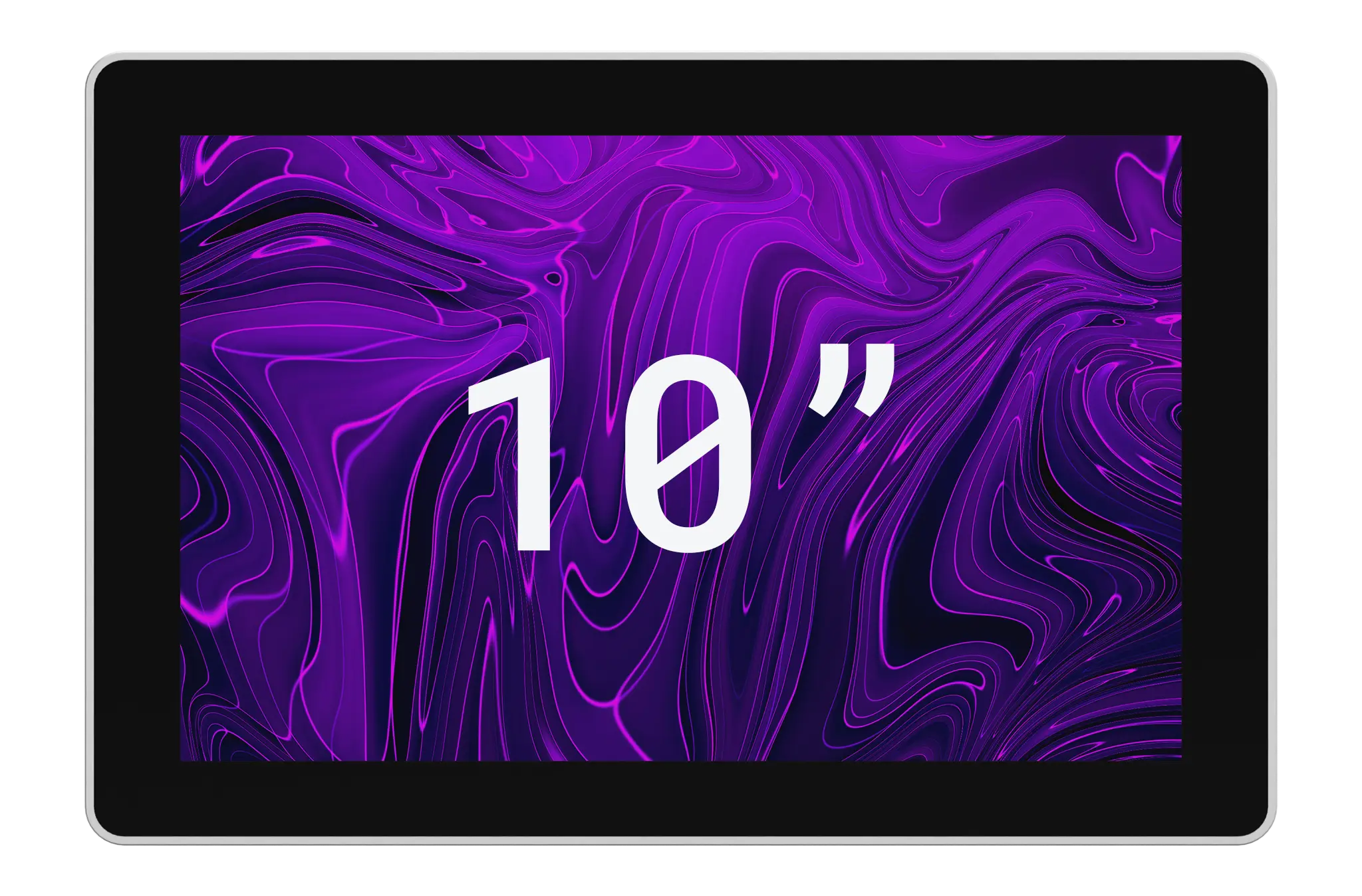
DataTalk Panel 10
Panel + Manager
€ 800
Panel + Manager + Web HMI
S (500 tags)
M (2 500 tags)
L (10 000 tags)
Starting from
€ 1 430
DataTalk Panel 11
Panel + Manager
€ 900
Panel + Manager + Web HMI
S (500 tags)
M (2 500 tags)
L (10 000 tags)
Starting from
€ 1 530
DataTalk Panel 13
Panel + Manager
€ 1 000
Panel + Manager + Web HMI
S (500 tags)
M (2 500 tags)
L (10 000 tags)
Starting from
€ 1 630
DataTalk Panel 15
Panel + Manager
€ 1 100
Panel + Manager + Web HMI
S (500 tags)
M (2 500 tags)
L (10 000 tags)
Starting from
€ 1 730
DataTalk Panel 21
Panel + Manager
€ 1 300
Panel + Manager + Web HMI
S (500 tags)
M (2 500 tags)
L (10 000 tags)
Starting from
€ 1 930
FAQ
Common questions,
quick answers
Whether it’s a question, suggestion, or compliment, we’re here to listen. Reach out via contact form. We’ll get back to you promptly.
resources
Download section
Installation packages and more information about our products at a glance
Documents:
Mechanicals:
Technical Specifications

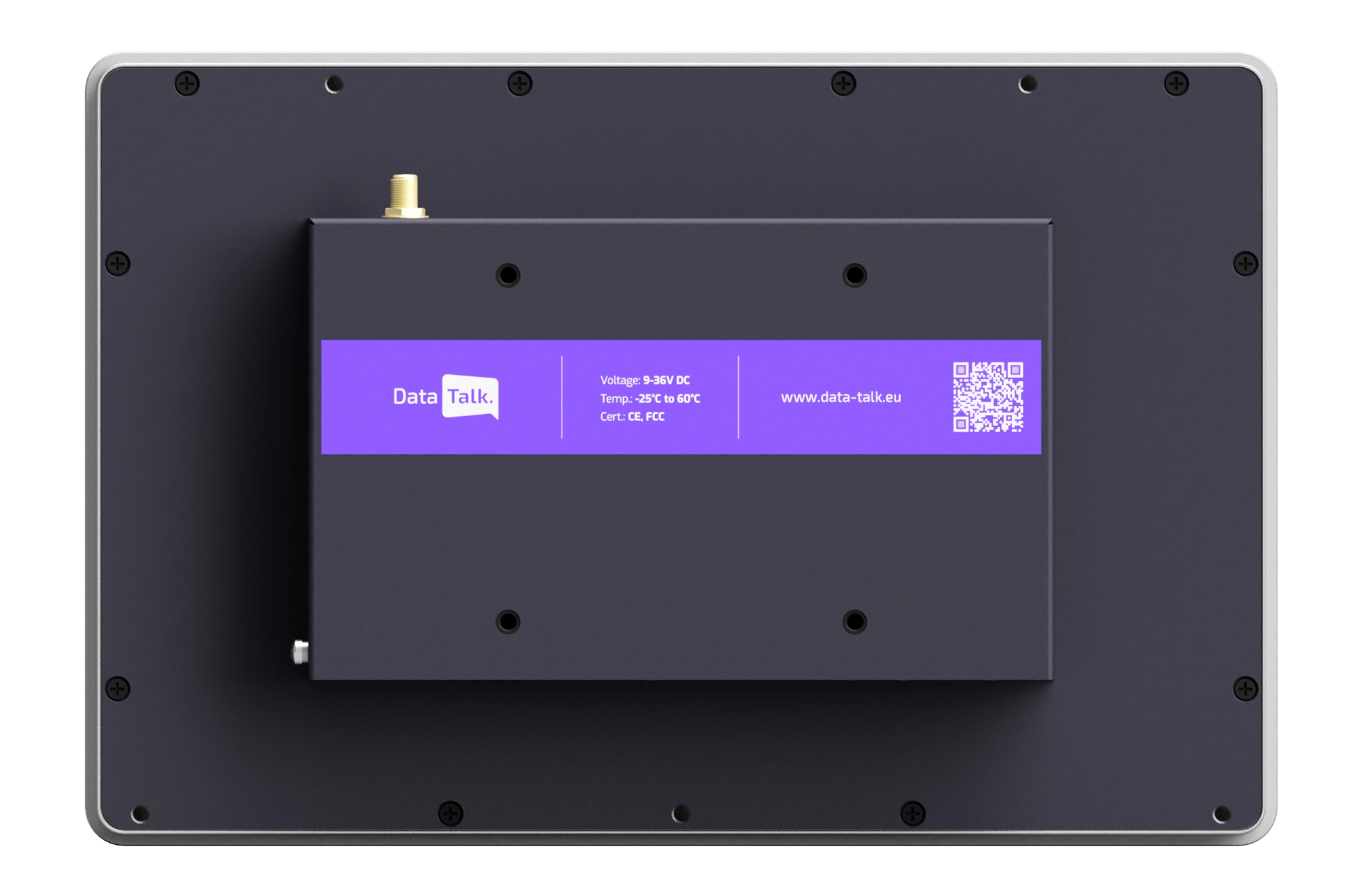
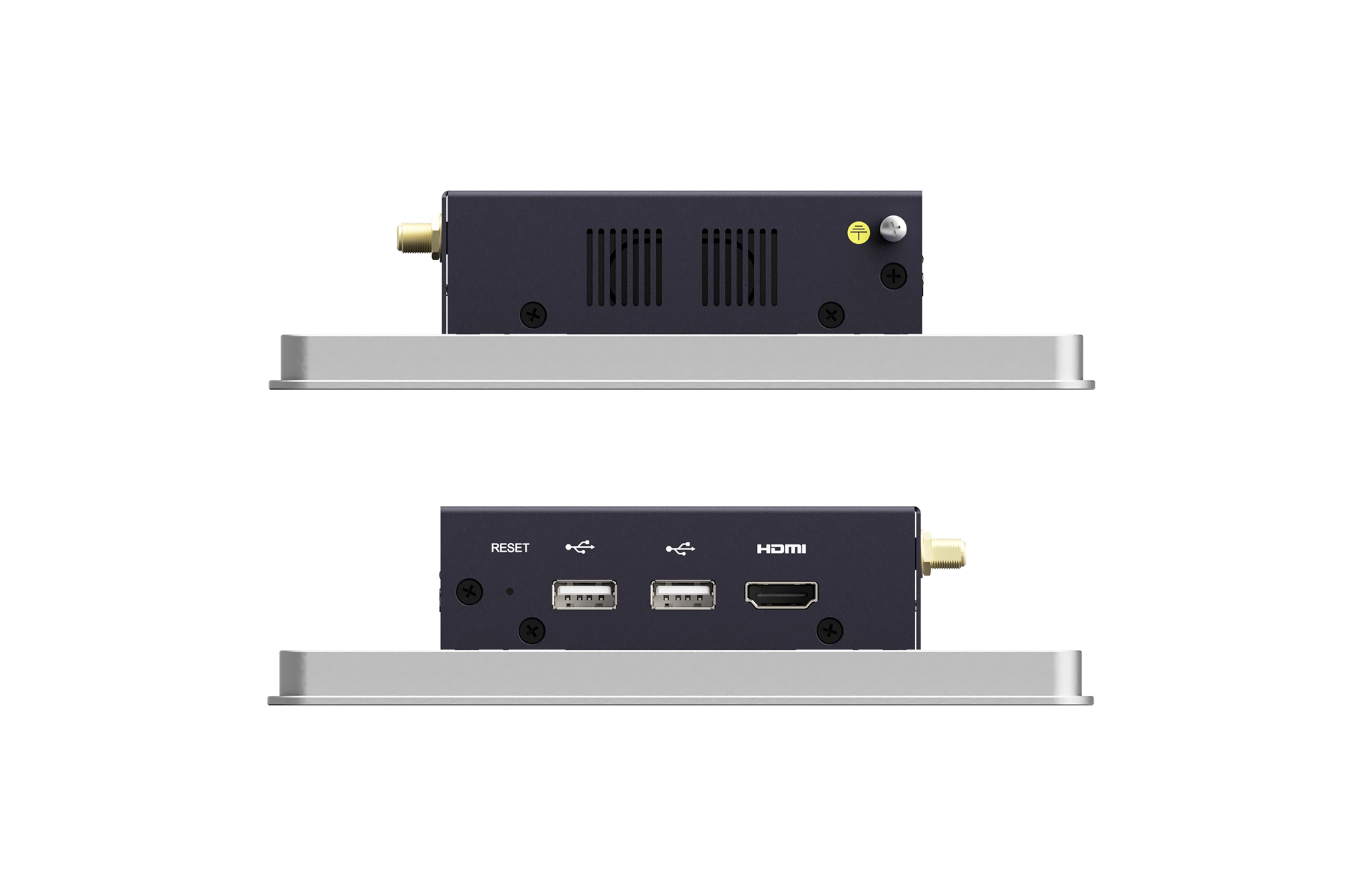
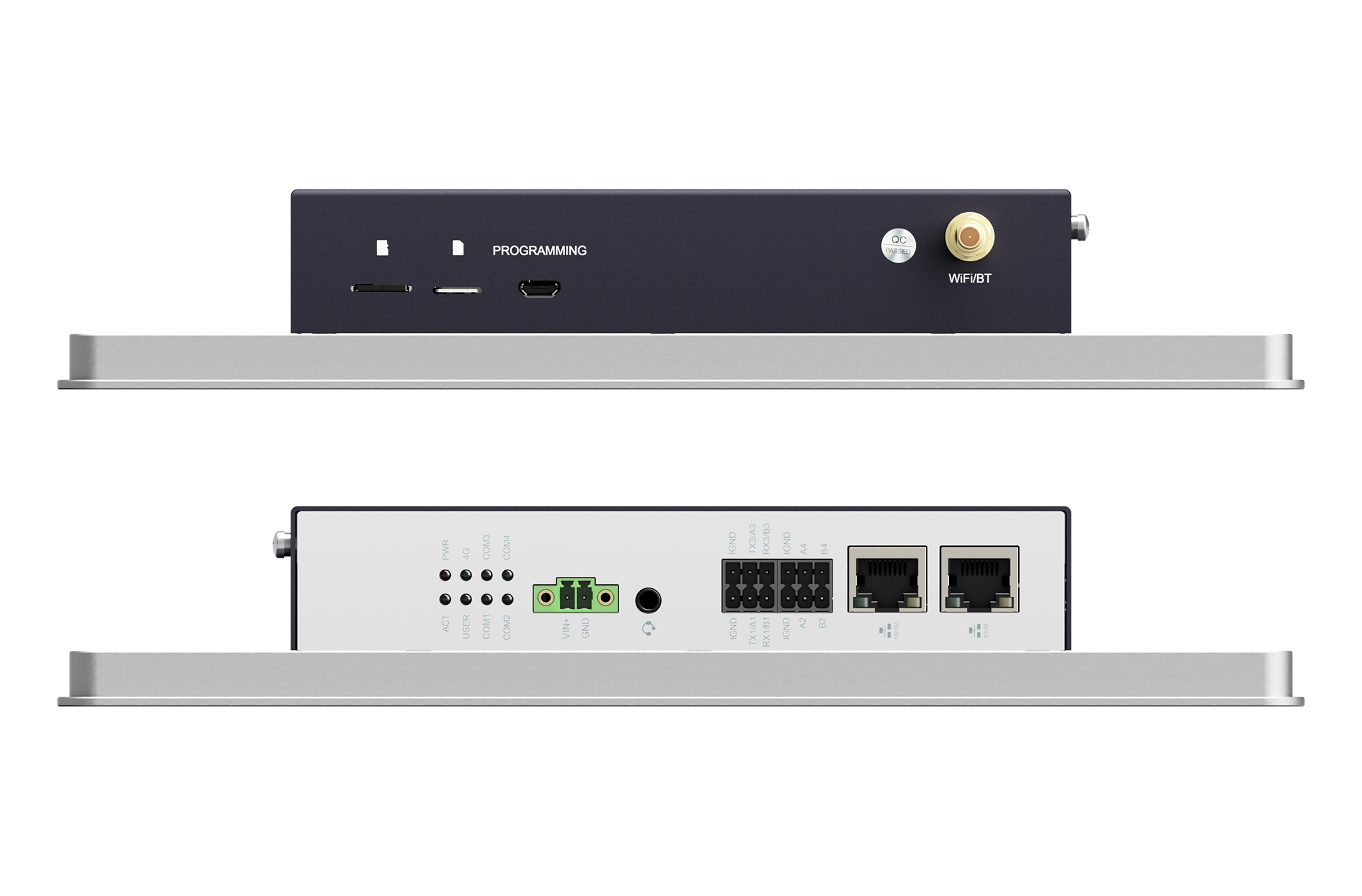
| System | panel7 | panel10 | panel11 | panel13 | panel15 | panel21 |
|---|---|---|---|---|---|---|
Software | Designed for EU CRA compliance with security updates · DataTalk Manager · secure browser · myACCESS VPN | |||||
CPU | Quad-core ARM v8 64-bit @ 2.4 GHz | Quad-core ARM v8 64-bit @ 2.4 GHz | Quad-core ARM v8 64-bit @ 2.4 GHz | Quad-core ARM v8 64-bit @ 2.4 GHz | Quad-core ARM v8 64-bit @ 2.4 GHz | Quad-core ARM v8 64-bit @ 2.4 GHz |
RAM | 4 GB SDRAM | 4 GB SDRAM | 4 GB SDRAM | 4 GB SDRAM | 4 GB SDRAM | 4 GB SDRAM |
Storage | 32 GB eMMC | 32 GB eMMC | 32 GB eMMC | 32 GB eMMC | 32 GB eMMC | 32 GB eMMC |
Wireless | Dual-band Wi-Fi (2.4/5 GHz), optional LTE/4G module | Dual-band Wi-Fi (2.4/5 GHz), optional LTE/4G module | Dual-band Wi-Fi (2.4/5 GHz), optional LTE/4G module | Dual-band Wi-Fi (2.4/5 GHz), optional LTE/4G module | Dual-band Wi-Fi (2.4/5 GHz), optional LTE/4G module | Dual-band Wi-Fi (2.4/5 GHz), optional LTE/4G module |
| Connectivity | panel7 | panel10 | panel11 | panel13 | panel15 | panel21 |
OPC UA | Siemens S7-1500 (Native OPC UA server), Beckoff TwinCat, B&R X20 & X90, Schneider Electric M580, Omron NX/NJ, Allen-Bradley, CompactLogix, ControLogix | |||||
Modbus TCP/UDP | S7-1200 / 1500, Schneider modicon, Wago PFC200, Beckoff, Omron CP, Allen-Bradley, Micrologix, Unitronics Vision | |||||
Ethernet/IP | Allen-Bradley, Omron NX/NJ, Schneider M580, Beckofff TwinCAT, WAGO | |||||
Ethernet IP (Micro 800) | Allen-Bradley (Micro 800) | |||||
MQTT | Wago PFC200, B&R X20 & X90, Schneider EcoStruxure PLC, Balluff IO-Link gateways, IFM | |||||
REST API | Beckhoff, WAGO PFC200, B&R Automation, Schneider EcoStruxure, any IT system supporting RestAPI interface | |||||
Databases | Microsoft SQL, mySQL, Oracle DB, Postgress, MongoDB, MariaDB | |||||
| Display | panel7 | panel10 | panel11 | panel13 | panel15 | panel21 |
Screen | 7.0″ TFT | 10.1″ TFT | 11.6″ TFT | 13.3″ TFT | 15.6″ TFT | 21.5″ TFT |
Resolution | 1024 × 600 | 1280 × 800 | 1920 × 1080 | 1920 × 1080 | 1920 × 1080 | 1920 × 1080 |
Brightness | 400 cd/m² | 400 cd/m² | 450 cd/m² | 450 cd/m² | 450 cd/m² | 400 cd/m² |
| Mechanical | panel7 | panel10 | panel11 | panel13 | panel15 | panel21 |
Dimensions (mm) | 188 × 123 × 43.5 | 258 × 172 × 42 | 303.3 × 191.3 × 46.5 | 340.2 × 211.2 × 46.5 | 388.3 × 238.3 × 46.5 | 531.3 × 317.8 × 47.5 |
Weight | about 1 kg | 1.2 kg | about 1.7 kg | about 2 kg | about 2.4 kg | about 5 kg |
Installation | Embedded front installation and VESA 75 × 75 mounting | |||||
| Power | panel7 | panel10 | panel11 | panel13 | panel15 | panel21 |
Input Voltage | 9 V ~ 36 V DC Supercapacitor protection | 9 V ~ 36 V DC Supercapacitor protection | 12 V ~ 24 V DC Supercapacitor protection | 12 V ~ 24 V DC Supercapacitor protection | 12 V ~ 24 V DC Supercapacitor protection | 12 V ~ 24 V DC Supercapacitor protection |
Power Consumption | 24 W (max) | 24 W (max) | 30 W (max) | 33 W (max) | 35 W (max) | 42 W (max) |
| Environmental | panel7 | panel10 | panel11 | panel13 | panel15 | panel21 |
Operating temperature | -20 °C ~ 50 °C | |||||
Front panel protection | IP65 | |||||
Certifications | CE, FCC, drop, vibration and shock tested | |||||
Get in touch
Your feedback matters
Whether it’s a question, suggestion, or compliment, we’re here to listen. Reach out via contact form. We’ll get back to you promptly.
office
Czech Republic
Velvarská 1699/29
Prague
Czech Republic
office
Germany
Marktplatz 6
Thierstein
Germany
I have read and agree to the Privacy Policy.