
DataTalk
AI Engineer
You describe it. AI Builds it.
Build and update your projects simply by describing what you need. AI Engineer understands your requests and turns your ideas into working screens and functions. Spend less time drawing, configuring and searching manuals.
Describe what you want to build, change or find in the project, e.g. “Create a view with a gauge for tag 1.Motor.Speed”. The assistant works with your permissions and its changes are saved immediately.
DIALOG
Real Conversation
context matters
How is it possible?
AI Engineer understands the context of your entire DataTalk project—its tags, devices, PLC connections, UDTs, views, scripts and existing project structure. It knows how these elements work together and how to create or modify them, from building a new screen or UDT to linking it with PLC data, configuring animations, alarms and logic.
Instead of simply generating text or code, AI Engineer works directly with the project structure and turns your natural-language request into real, connected DataTalk components.

AI engineer features
You Think. We build.
Most industrial “AI features” are just help chatbots. DataTalk’s AI Engineer works inside your project – creating screens, configuring objects, and modifying existing applications on command.
“You describe. AI engineers. You review and ship.”
Others give you templates. DataTalk gives you an AI assistant that does the work.
CREATE
Build your first project
From a quick demo to a full project
Describe what you want to monitor and control, and let AI Engineer create the screens and configure the components. Whether you’re trying out an idea or starting a full project, you can get going without learning every corner of DataTalk first.
FIX
Get things working again
Less searching, faster fixes
Something stopped working in an older project? Tell AI Engineer what’s wrong. It helps trace the issue through the project and fix it, saving you from checking every setting and connection by hand.
CHANGE
Make changes in one go
One request, across your project
“Raise the temperature limit to 85 °C for every oven on Line 2.” AI Engineer uses your project’s structure to find and update the relevant settings. No need to open each one individually.
LIVE
Bring your screens to life
You design. AI connects.
Already drawn your screens? Tell AI Engineer how they should work. It connects graphics to tags and sets up the behaviour and logic behind your buttons, indicators and other elements.
MIGRATE
Move your project to DataTalk
A head start on migration
You’ve already built your project once. Give AI Engineer the available files and information from your existing HMI or SCADA system, and let it help recreate the screens and functionality in DataTalk. How much it can recreate depends on the material you provide.
TRANSLATE
Let your project speak another language
AI-powered translations
Add a language and let AI translate your project’s text, alarms and other text elements. It uses context to keep translations clear and terminology consistent, saving you from editing each item by hand. A dedicated translation tool handles this separately, using fewer tokens than translating through a conversation with AI Engineer.
REFINE
Make your project look as good as it works
Better-looking projects, stronger first impressions
Turn a functional project into something you’re proud to present. Ask AI Engineer to refine layouts, harmonise colours and give your screens a consistent, professional look. Make your projects more appealing and help customers see the value of your solution – without spending hours on design.
api access
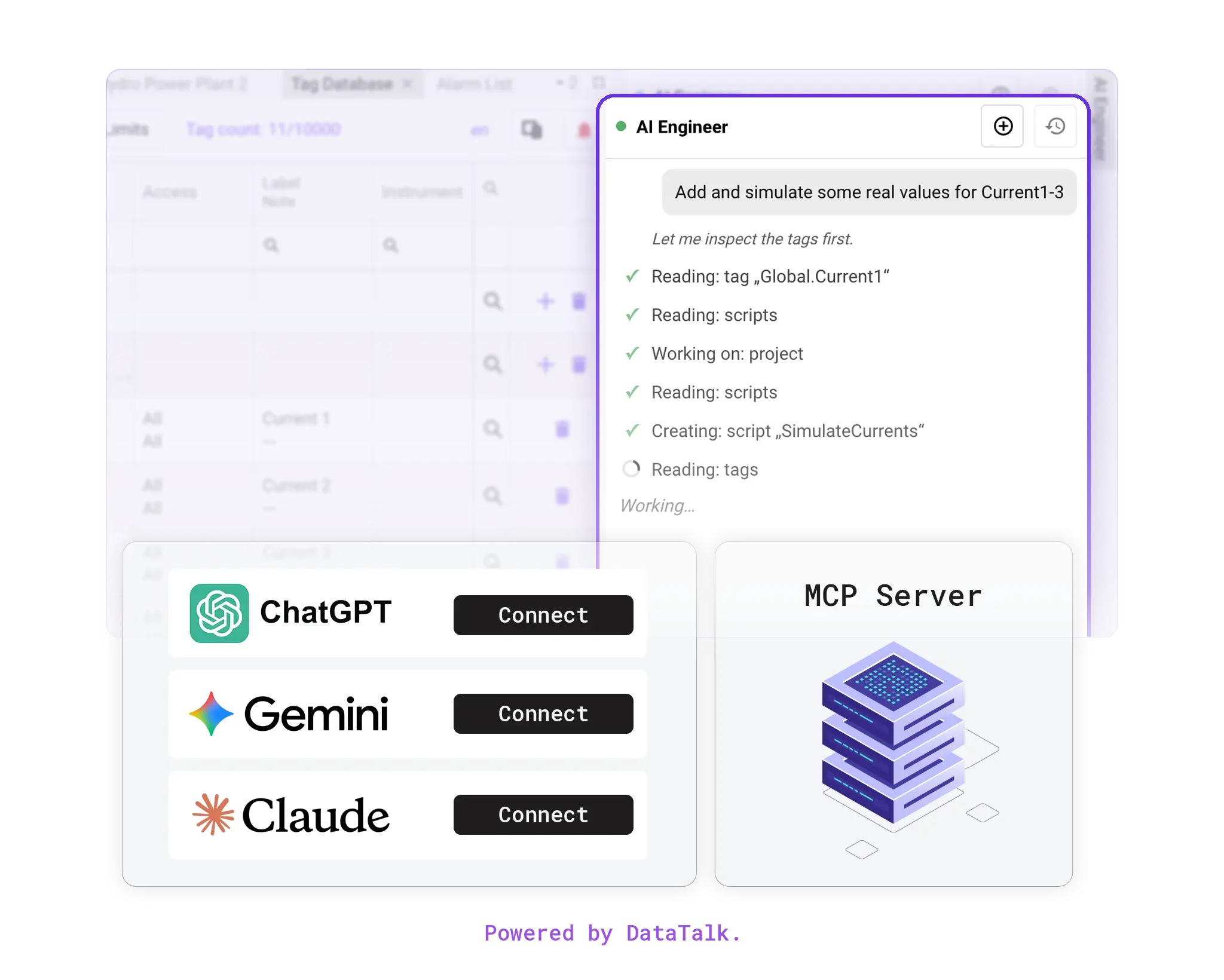
Connect Your AI Model
AI Engineer uses a connected AI model through an API. Each task consumes tokens, with costs depending on the model, the amount of information processed and the complexity of your request. The translation tool also uses tokens.
FAQ
Common questions,
quick answers
Whether it’s a question, suggestion, or compliment, we’re here to listen. Reach out via contact form. We’ll get back to you promptly.
resources
Download section
Installation packages and more information about our products at a glance
Software:
Get in touch
Your feedback matters
Whether it’s a question, suggestion, or compliment, we’re here to listen. Reach out via contact form. We’ll get back to you promptly.
office
Czech Republic
Velvarská 1699/29
Prague
Czech Republic
office
Germany
Marktplatz 6
Thierstein
Germany
I have read and agree to the Privacy Policy.