
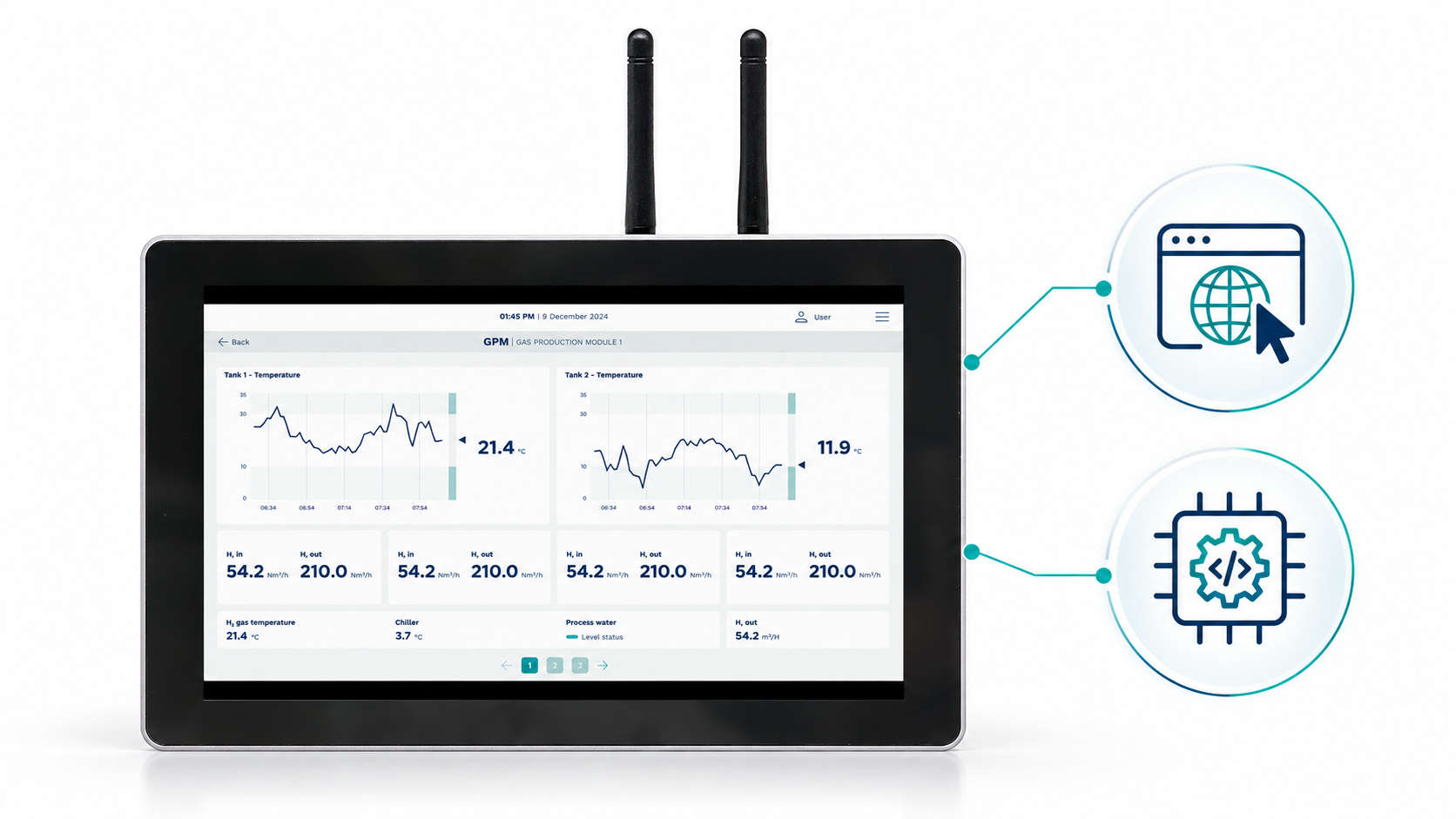
Introducing DataTalk Panel HMI — an industrial touchscreen panel combining rugged hardware, browser-based device management and the option to run DataTalk Web HMI directly on the device. Get a complete solution for monitoring and controlling your machines without a separate PC or server.
Every operation has different requirements. You may need to control a single machine, display production line data or access an existing SCADA system. DataTalk Panel adapts to your application — as a standalone operator station, a terminal for your existing system or a platform for your own software.
Everything Operators Need in One Place
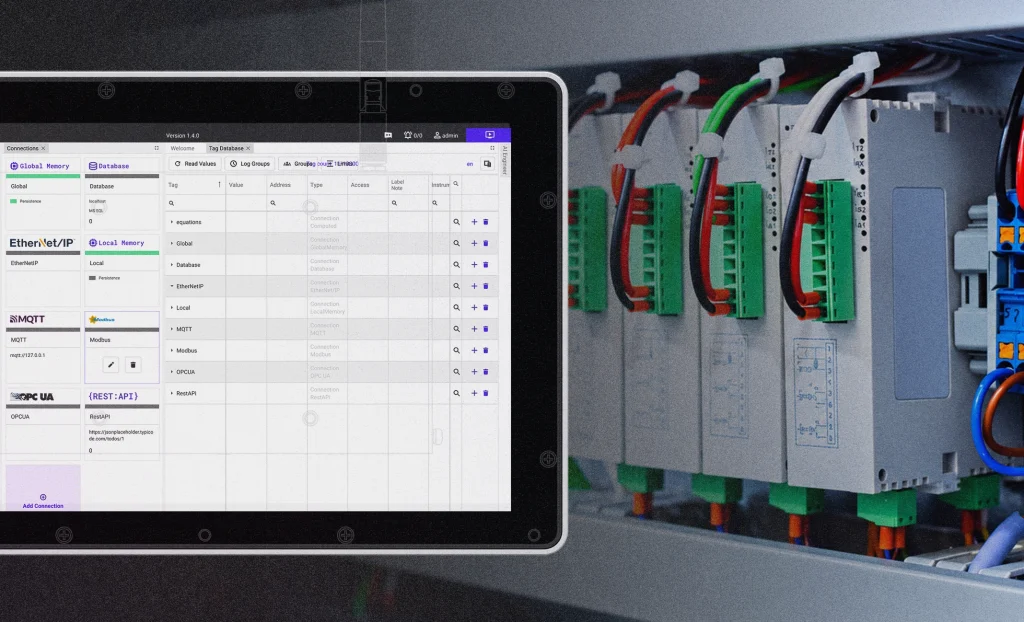
With integrated DataTalk Web HMI, you can connect the panel to PLCs, machines and other data sources. Combine live visualisations, operator controls, alarms, trends, dashboards and recipes on clear, intuitive screens. Operators can see equipment status and access the information and controls they need in one place.
Build your screens using ready-made graphical elements. With the optional AI Engineer, you can also create or update your project simply by describing what you need.
Built for Industrial Operation
DataTalk Panel is designed for continuous operation and comes in screen sizes from 7″ to 21″. A rugged touchscreen, powerful hardware and supercapacitor-based power failure protection provide a reliable foundation for use at individual machines and across production lines.
Easier Management and Remote Service
DataTalk Manager lets you configure and manage the device through a web browser. For secure remote service and diagnostics, myACCESS VPN enables access to the panel without travelling to the site.
Choose Your Deployment
- Panel with Web HMI: a complete solution for visualisation and control running directly on the device.
- Terminal for your existing system: access your web application, SCADA or MES through the integrated browser.
- Platform for your own application: run your software with DataTalk Manager handling deployment and the underlying environment.
Explore DataTalk Panel HMI and choose the right option for your operation.
Leave a Reply